Content blocks for Payload CMS
This is the widest group, 38 blocks for content that fits no other shelf: About and Team Roster, product, course and member cards, and dossier sections such as Fit List and Shift Rows. None is free, and all of them install into the Payload project you already have.
Add one to your Payload project
You need a Payload 3 and Next.js app, a free account and an install token. The get-started guide covers the token and the .npmrc lines.
About is in the paid Agency Essentials pack, so your token needs to cover it. The steps are the same as for a free pack.
Install the pack
npm install @wabbit/tome-blocks-agency-essentialsLoad the design tokens
One line in your global CSS. Without it the blocks render unstyled.
@import '@wabbit/tome-blocks-core/styles.css';Add the block to a field
Put it in your Pages collection's blocks field, next to the blocks you already have. Run
payload generate:typesafterwards so your generated types know about the new block.import { aboutBlock } from '@wabbit/tome-blocks-agency-essentials' // in your Pages collection: { name: 'layout', type: 'blocks', blocks: [...existingBlocks, aboutBlock.block()], }Render it on the Tome grid
import { renderers } from '@wabbit/tome-blocks-agency-essentials/render/register'
import { adaptRenderersForPayload, RenderBlocks } from '@wabbit/tome-blocks-core/render'
import gridStyles from '@wabbit/tome-ui/grid'

const blockComponents = {
  ...yourExistingComponents,
  ...adaptRenderersForPayload(renderers),
}

<RenderBlocks
  blocks={page.layout}
  components={blockComponents}
  gridClassName={gridStyles.grid}
/>
Only if the project has never installed from our registry
Sign up at /signup (no card). Then go to Account, Credentials, claim the free license and generate your key in the same card. Add this to the project's .npmrc:
@wabbit:registry=https://npm.wabbit.com/And this to your user-level ~/.npmrc:
//npm.wabbit.com/:_authToken=YOUR_TOKEN_HEREQuestions about content blocks
- Is there a block for an About or team page?
- About, in Agency Essentials, has a headline, up to three stacked rich-text columns, an optional image array, a logos strip, counters and a CTA link, in four variants. Team Roster lists named members with a rank, a portrait and a note, and Member Card, in Org Blocks, shows one person's avatar, name and role.
- Do the product, course and member cards need a store or an LMS?
- No. Product Card, Course Card and Member Card render the fields you author by default, and their descriptors say no catalog, LMS or org package is required.
- Which blocks help a visitor decide if an offer fits?
- In Dossier Blocks, Fit List sets a build list of conditions where the offer fits beside a muted skip list where it doesn't. Fit Prose does the same as two facing prose plates, and Shift Rows lays out 2 to 6 before and after transformations.
- Is there anything for a story or in-world page?
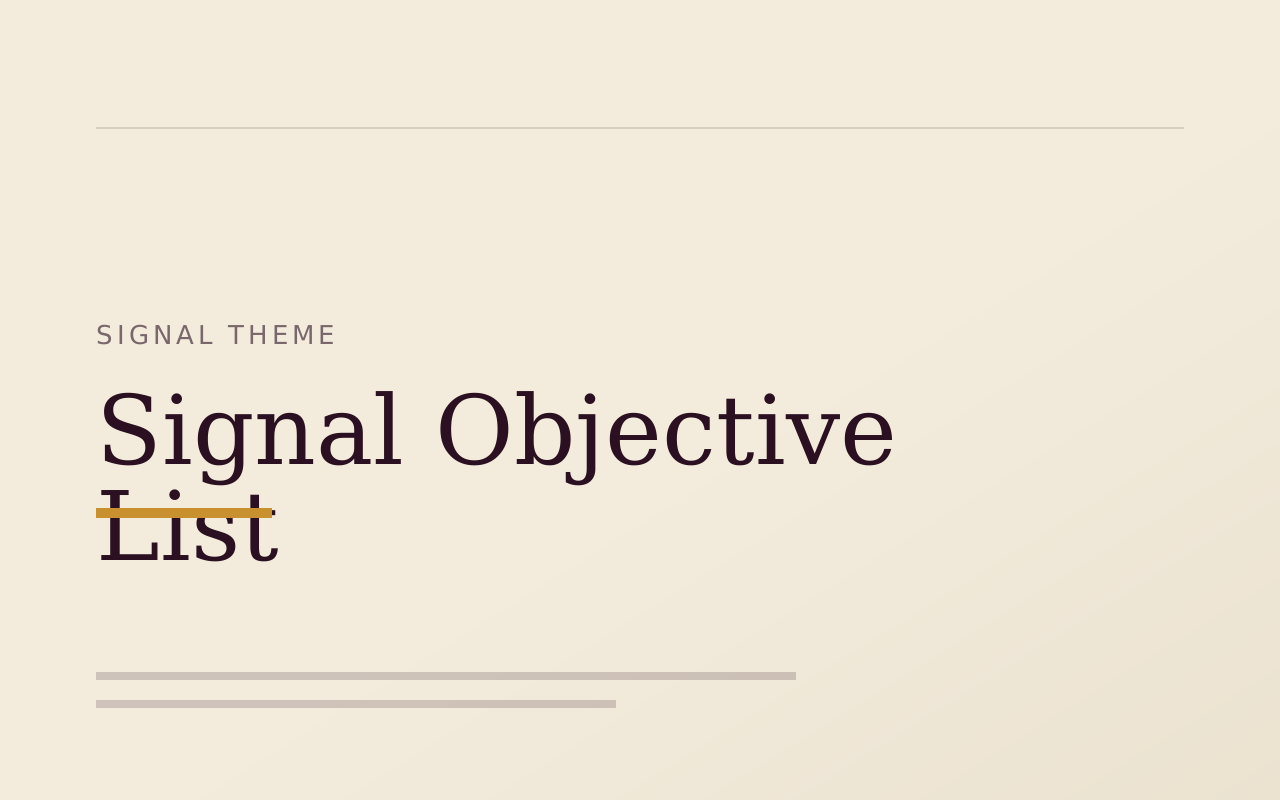
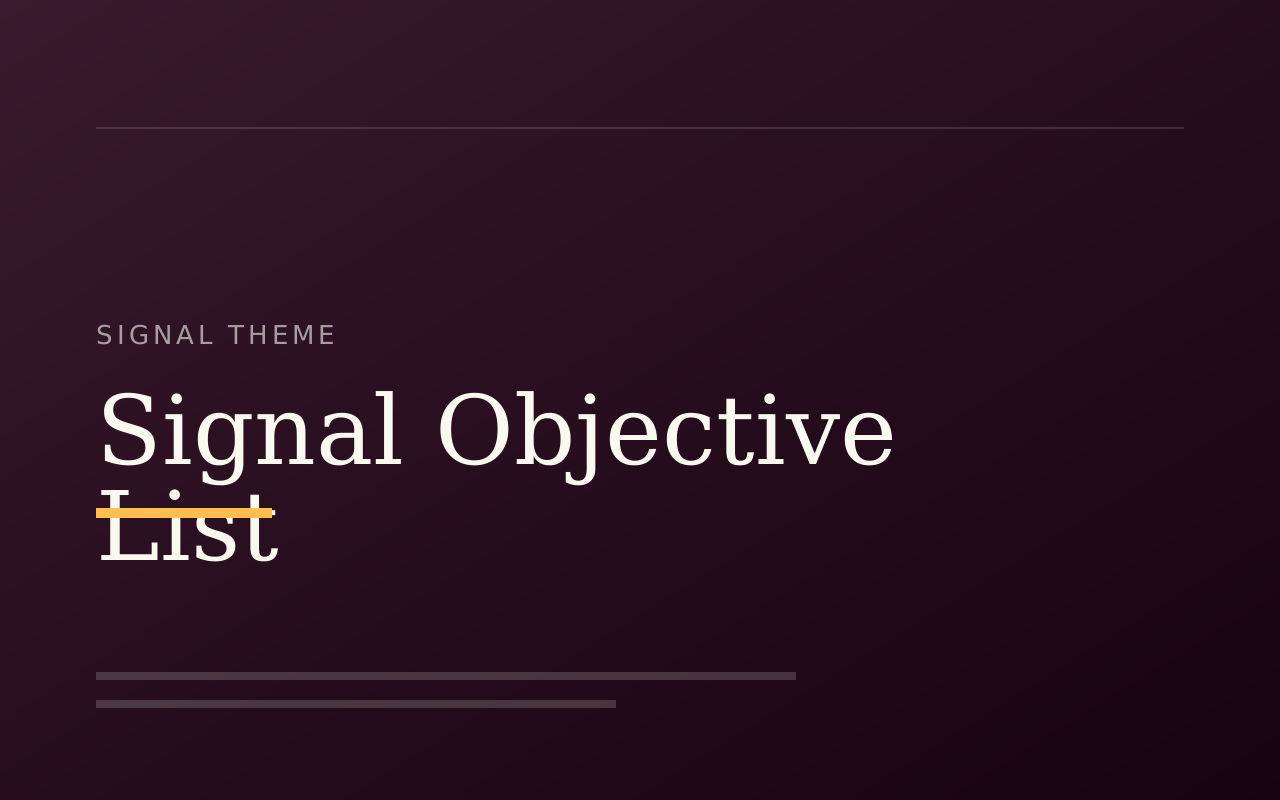
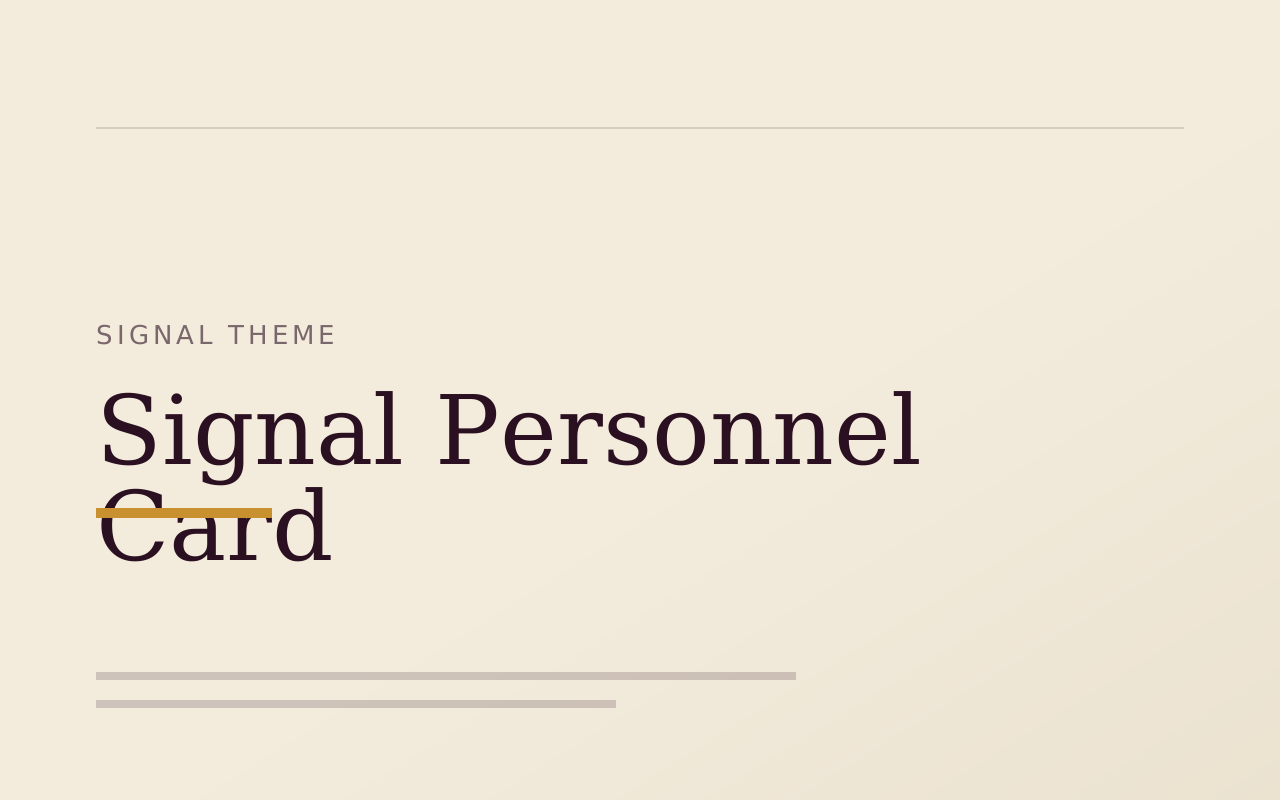
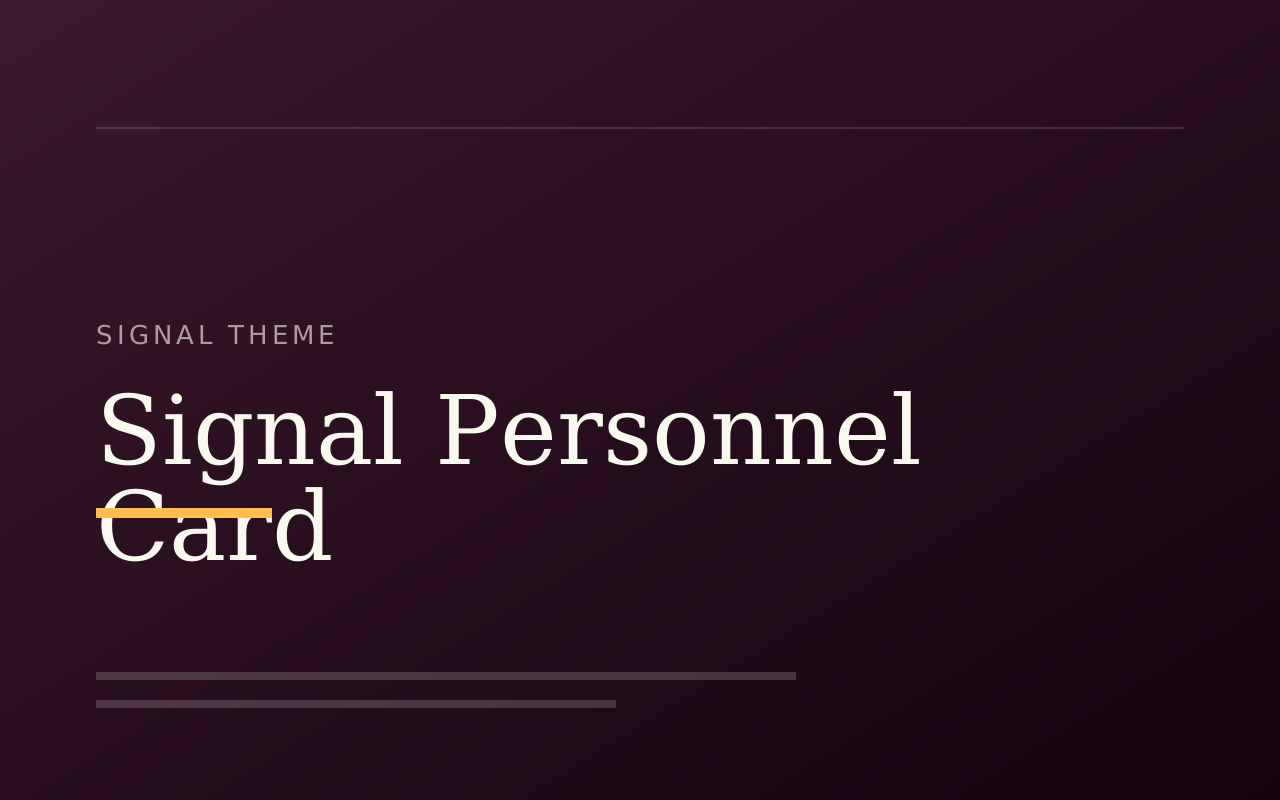
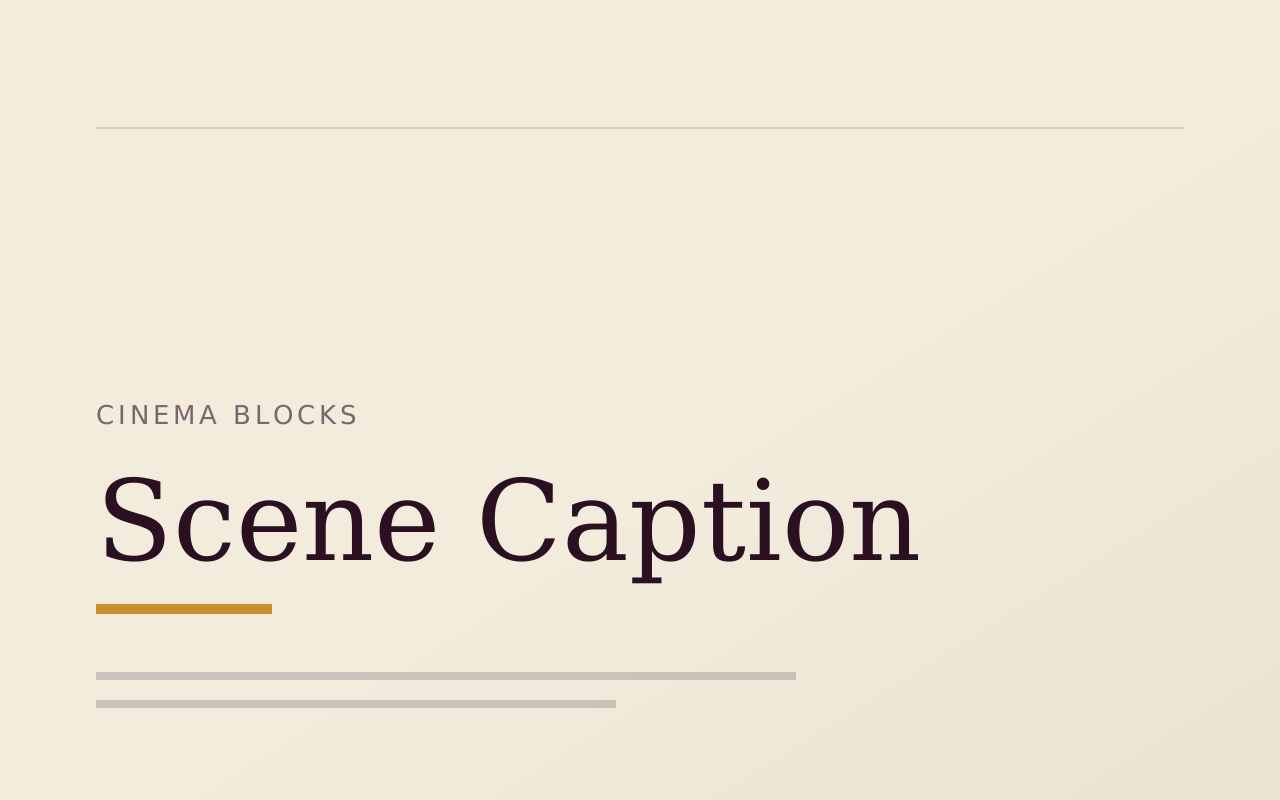
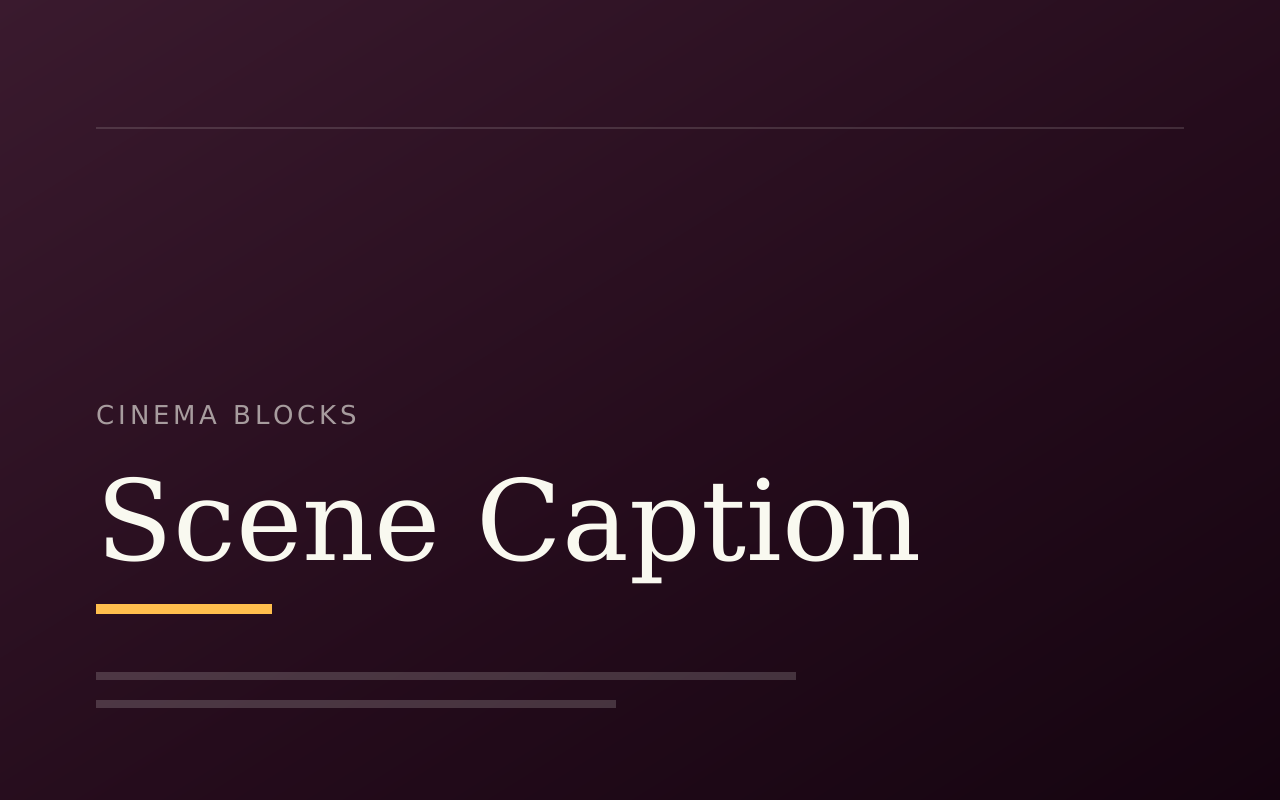
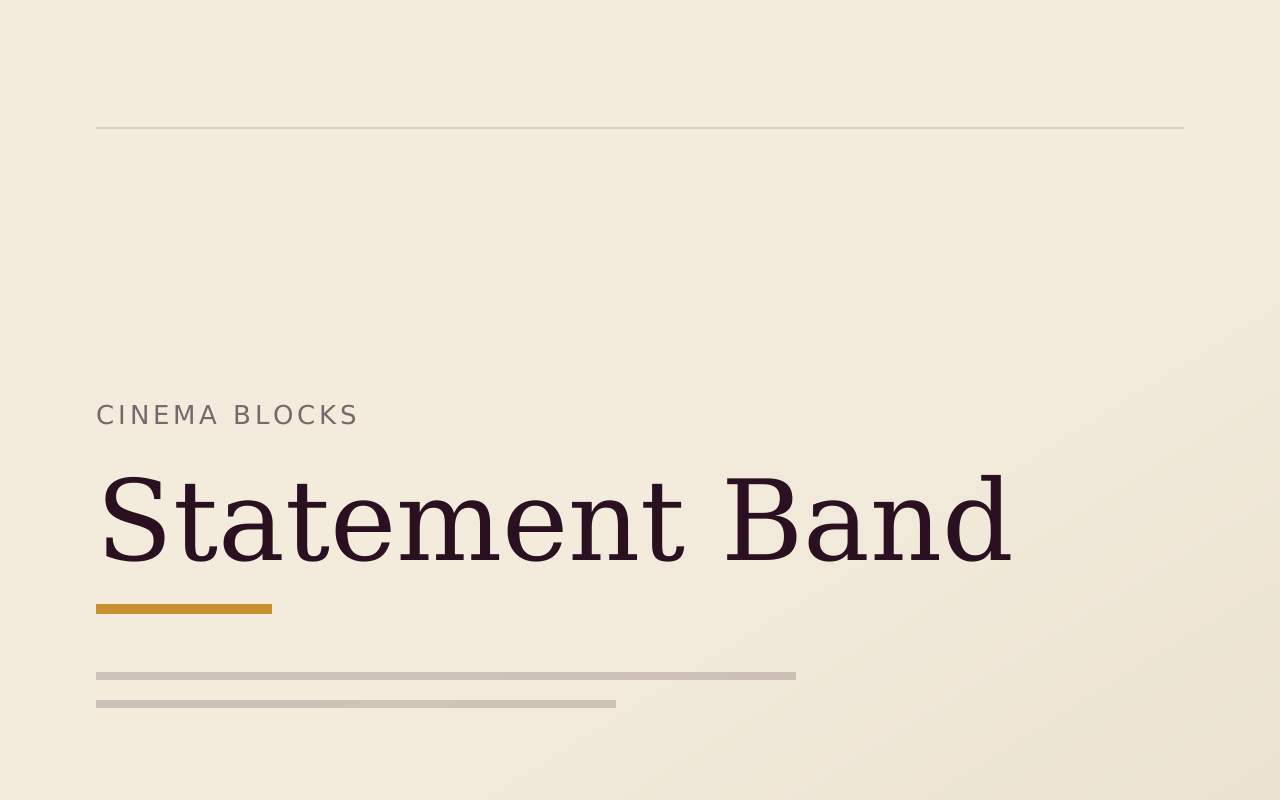
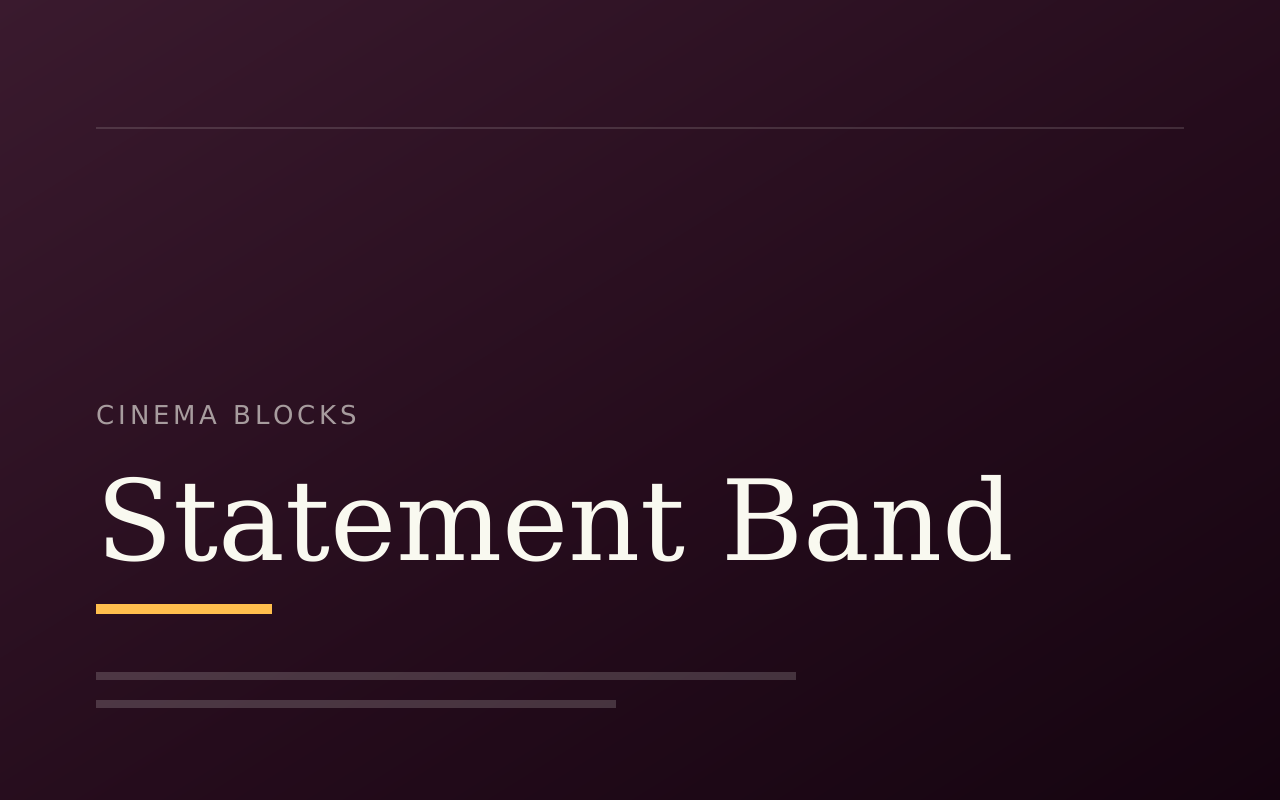
- Signal, in the Signal Block Pack, has pieces such as Comms, Log Header, Objective List, Personnel Card and Ship Card for dossier and editorial-article pages. Cinema Blocks adds full-bleed Scene Plate, Scene Caption and Statement Band.
Start with the free packs.
Create a free account, generate an install token, and add a pack to the Payload project you already have. There is no card and no trial.
The Craft Library is $250 a year and adds every paid pack with full source. If you stop, what you installed stays yours.
- Free: Marketing Starter and Content Writer, 19 blocks, no card.
- Craft Library, $250 a year: every paid pack and theme, full source, scoped install tokens.
- Single packs, $49 once: for the packs sold on their own.