Navigation blocks for Payload CMS
When a reader reaches the end of a page, navigation blocks point them onward. Tome has eight, from Archive, Related Posts and Blog (all three free) to Category Strip and Zone Directory, and they install into the Payload project you already have.
Add one to your Payload project
You need a Payload 3 and Next.js app, a free account and an install token. The get-started guide covers the token and the .npmrc lines.
Archive is in the free Content Writer pack. Paid packs install the same way once your token covers them.
Install the pack
npm install @wabbit/tome-blocks-content-writerLoad the design tokens
One line in your global CSS. Without it the blocks render unstyled.
@import '@wabbit/tome-blocks-core/styles.css';Add the block to a field
Put it in your Pages collection's blocks field, next to the blocks you already have. Run
payload generate:typesafterwards so your generated types know about the new block.import { archiveBlock } from '@wabbit/tome-blocks-content-writer' // in your Pages collection: { name: 'layout', type: 'blocks', blocks: [...existingBlocks, archiveBlock.block()], }Render it on the Tome grid
import { renderers } from '@wabbit/tome-blocks-content-writer/render/register'
import { adaptRenderersForPayload, RenderBlocks } from '@wabbit/tome-blocks-core/render'
import gridStyles from '@wabbit/tome-ui/grid'

const blockComponents = {
  ...yourExistingComponents,
  ...adaptRenderersForPayload(renderers),
}

<RenderBlocks
  blocks={page.layout}
  components={blockComponents}
  gridClassName={gridStyles.grid}
/>
Only if the project has never installed from our registry
Sign up at /signup (no card). Then go to Account, Credentials, claim the free license and generate your key in the same card. Add this to the project's .npmrc:
@wabbit:registry=https://npm.wabbit.com/And this to your user-level ~/.npmrc:
//npm.wabbit.com/:_authToken=YOUR_TOKEN_HEREQuestions about navigation blocks
- Can a block list my latest posts automatically?
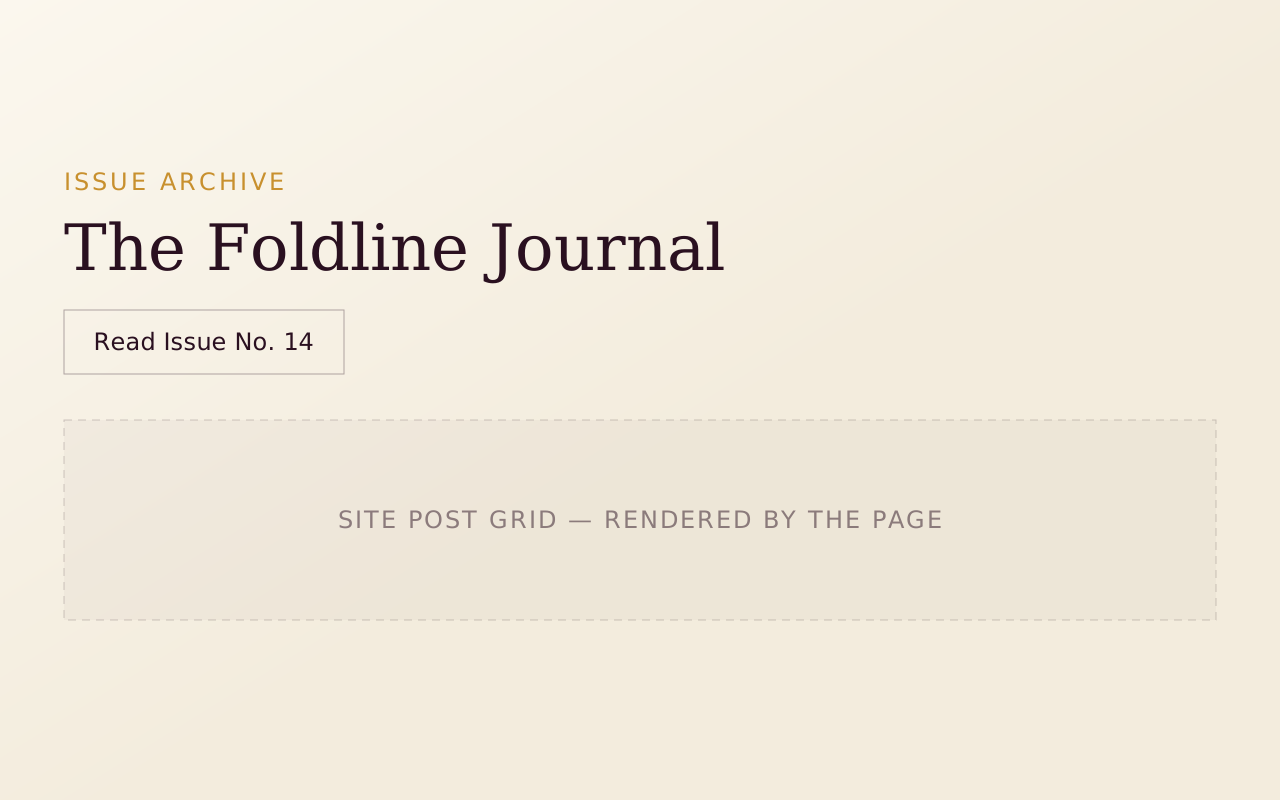
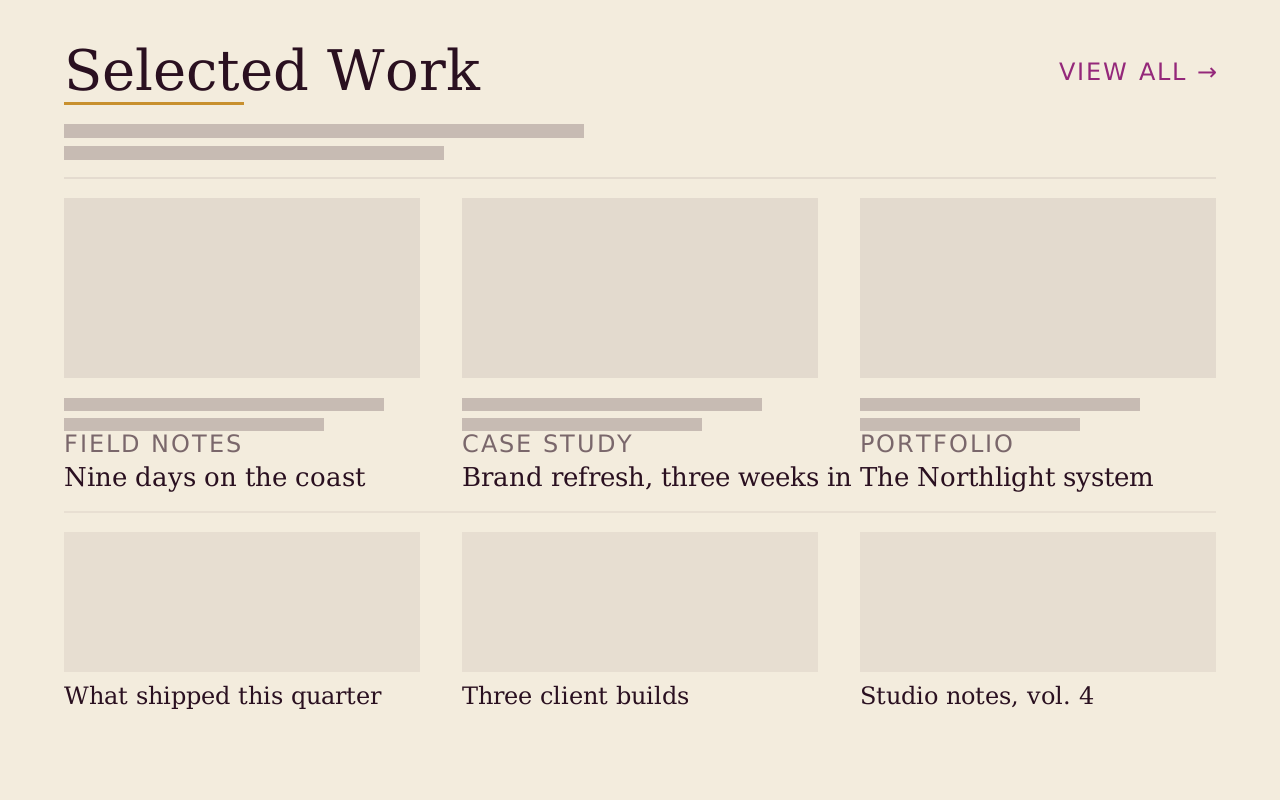
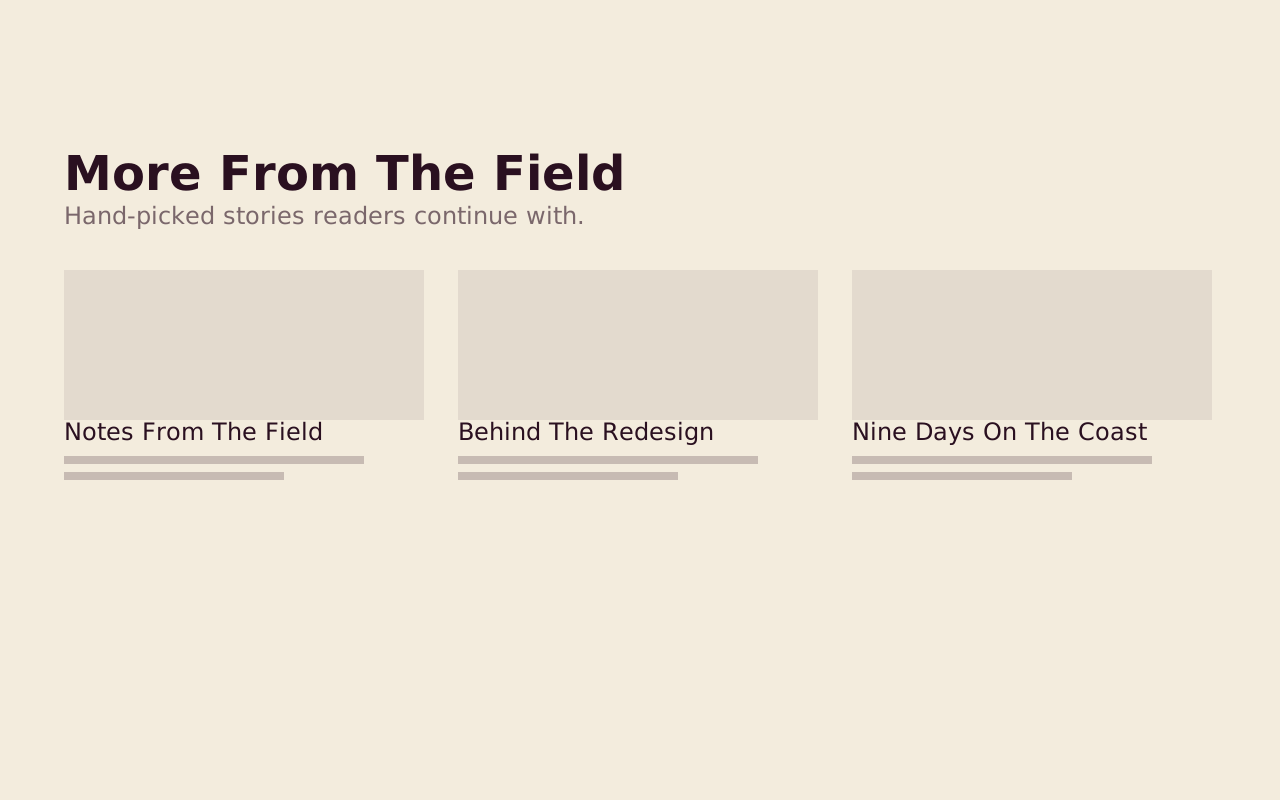
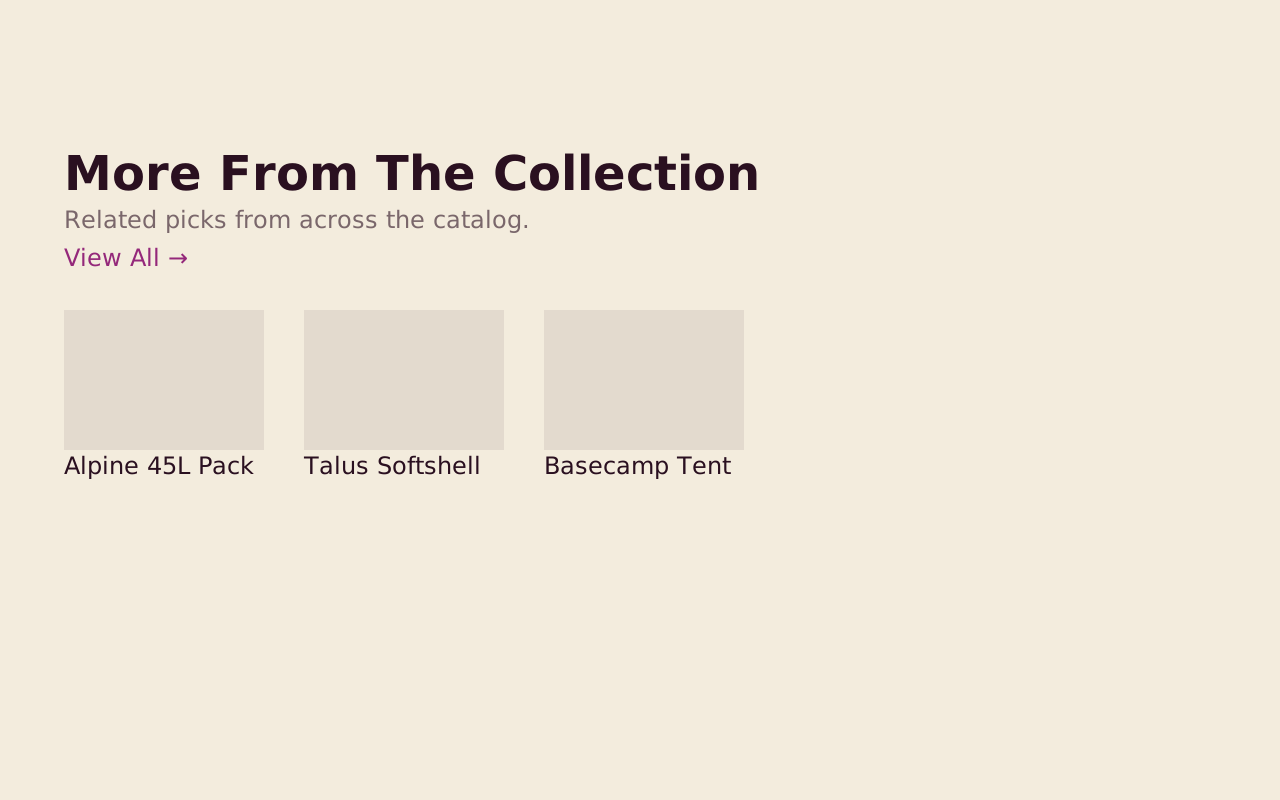
- Not yet in the free blocks: Archive and Related Posts use hand-picked selection today, and their query-driven and category-matched modes are on the roadmap. Blog supplies a heading, an intro and a View All link to sit above your site's own post grid. Related Items, in Extras, can be curated manually or dynamically from any collection.
- Which block goes at the end of an article?
- Related Posts. It is a row of 3 to 6 hand-picked posts, and its usage notes place it after the last content block and before the colophon.
- Is there a block for browsing product categories?
- Category Strip, in Commerce Blocks, is a heading plus a row of category tiles with a label, a URL and an icon, scrollable or wrapped. It renders the labels and URLs you author, with no catalog package required.
- Which block offers the reader a choice of paths?
- Zone Directory, in Dossier Blocks, splits a decision into 2 to 4 numbered cells. Each cell is a whole-cell link with a title and a description, and any cell can invert to a dark treatment to set a self-serve path apart from a guided one.
Start with the free packs.
Create a free account, generate an install token, and add a pack to the Payload project you already have. There is no card and no trial.
The Craft Library is $250 a year and adds every paid pack with full source. If you stop, what you installed stays yours.
- Free: Marketing Starter and Content Writer, 19 blocks, no card.
- Craft Library, $250 a year: every paid pack and theme, full source, scoped install tokens.
- Single packs, $49 once: for the packs sold on their own.