Media blocks for Payload CMS
Tome's 15 media blocks handle images, galleries and video, from Editorial Figure with margin captions to Video Wall and a scroll-scrubbed Scrub Story. Editorial Figure is the free one, and all of them install into the Payload project you already have.
Add one to your Payload project
You need a Payload 3 and Next.js app, a free account and an install token. The get-started guide covers the token and the .npmrc lines.
Editorial Figure is in the free Content Writer pack. Paid packs install the same way once your token covers them.
Install the pack
npm install @wabbit/tome-blocks-content-writerLoad the design tokens
One line in your global CSS. Without it the blocks render unstyled.
@import '@wabbit/tome-blocks-core/styles.css';Add the block to a field
Put it in your Pages collection's blocks field, next to the blocks you already have. Run
payload generate:typesafterwards so your generated types know about the new block.import { editorialFigureBlock } from '@wabbit/tome-blocks-content-writer' // in your Pages collection: { name: 'layout', type: 'blocks', blocks: [...existingBlocks, editorialFigureBlock.block()], }Render it on the Tome grid
import { renderers } from '@wabbit/tome-blocks-content-writer/render/register'
import { adaptRenderersForPayload, RenderBlocks } from '@wabbit/tome-blocks-core/render'
import gridStyles from '@wabbit/tome-ui/grid'

const blockComponents = {
  ...yourExistingComponents,
  ...adaptRenderersForPayload(renderers),
}

<RenderBlocks
  blocks={page.layout}
  components={blockComponents}
  gridClassName={gridStyles.grid}
/>
Only if the project has never installed from our registry
Sign up at /signup (no card). Then go to Account, Credentials, claim the free license and generate your key in the same card. Add this to the project's .npmrc:
@wabbit:registry=https://npm.wabbit.com/And this to your user-level ~/.npmrc:
//npm.wabbit.com/:_authToken=YOUR_TOKEN_HEREQuestions about media blocks
- Which blocks play video?
- Most are in Cinema Blocks. Trigger Tile is a poster tile in the reading flow whose click opens a modal that mounts the player on demand, and Video Wall is a grid of muted loops that play only while in view. Video Spread, Chaptered Walkthrough, Scrub Story and Ambient Band cover the rest, and Media, in Agency Essentials, embeds an upload or a YouTube or Vimeo URL.
- Can an image caption sit in the margin?
- Yes. Editorial Figure, the free image block in Content Writer, places its caption in the marginalia columns instead of below the image. It has three breakout modes (inline, wide and full-bleed) and an optional duotone treatment.
- What are the options for a gallery?
- Gallery, in Agency Essentials, has five layouts: overlay, carousel, card, a 4-column grid and blur-vignette, with captions and links per item. Bento Section, in Extras, sets a multi-image bento grid under a large headline, and Signal Image Grid offers 2-column, 3-column, asymmetric and masonry layouts.
- Can media react to scroll?
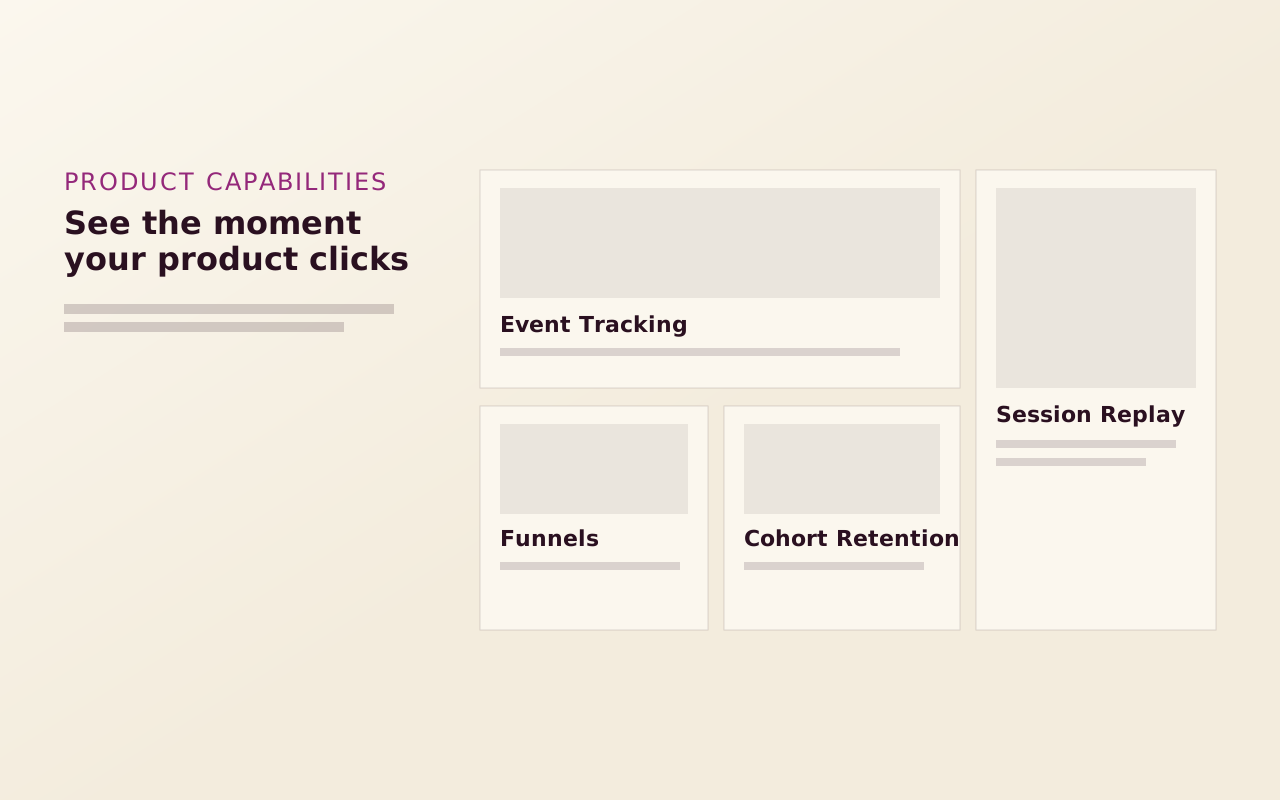
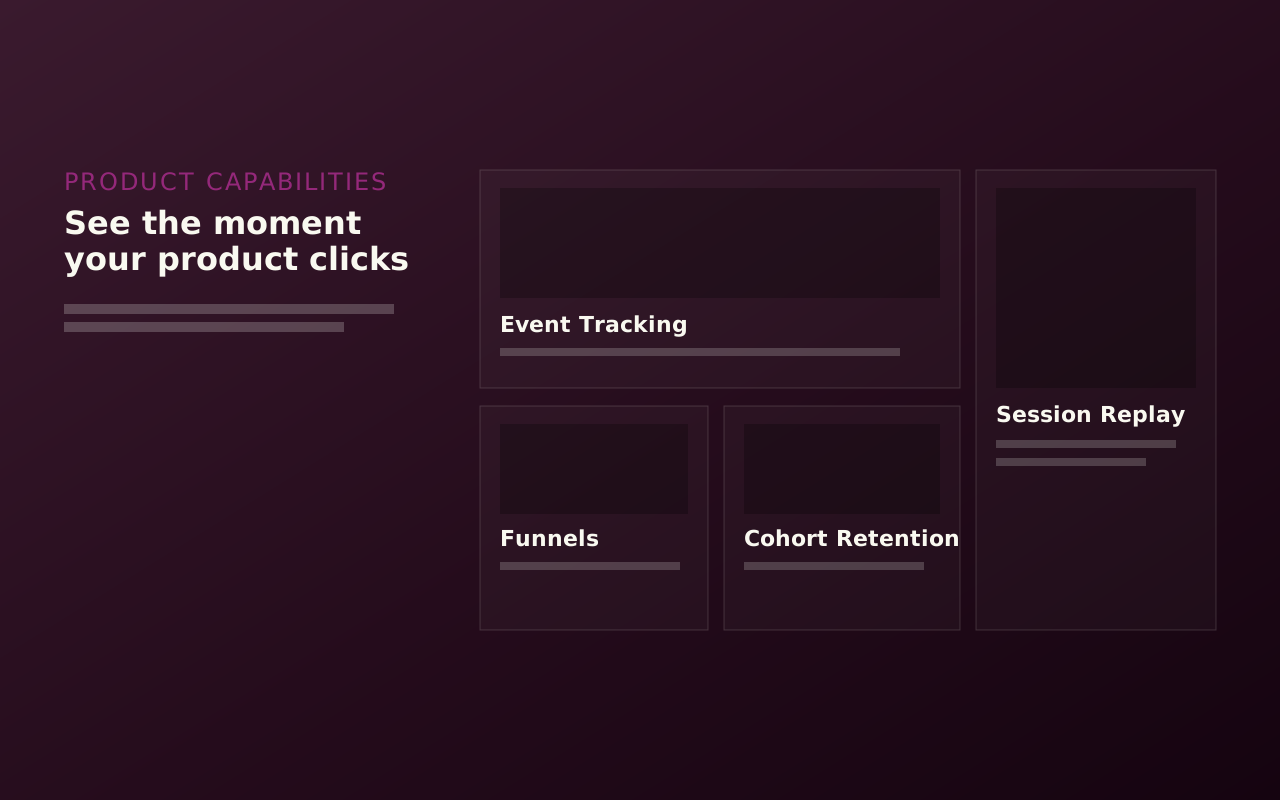
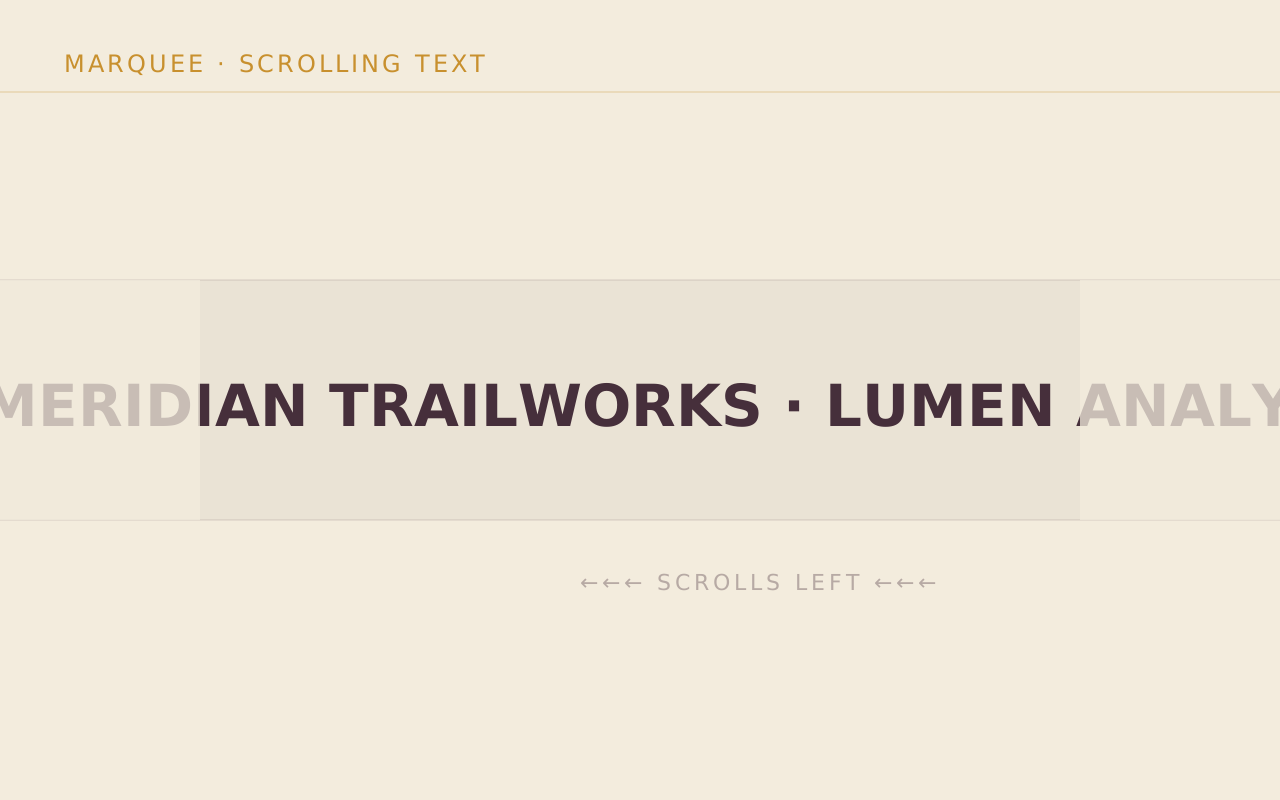
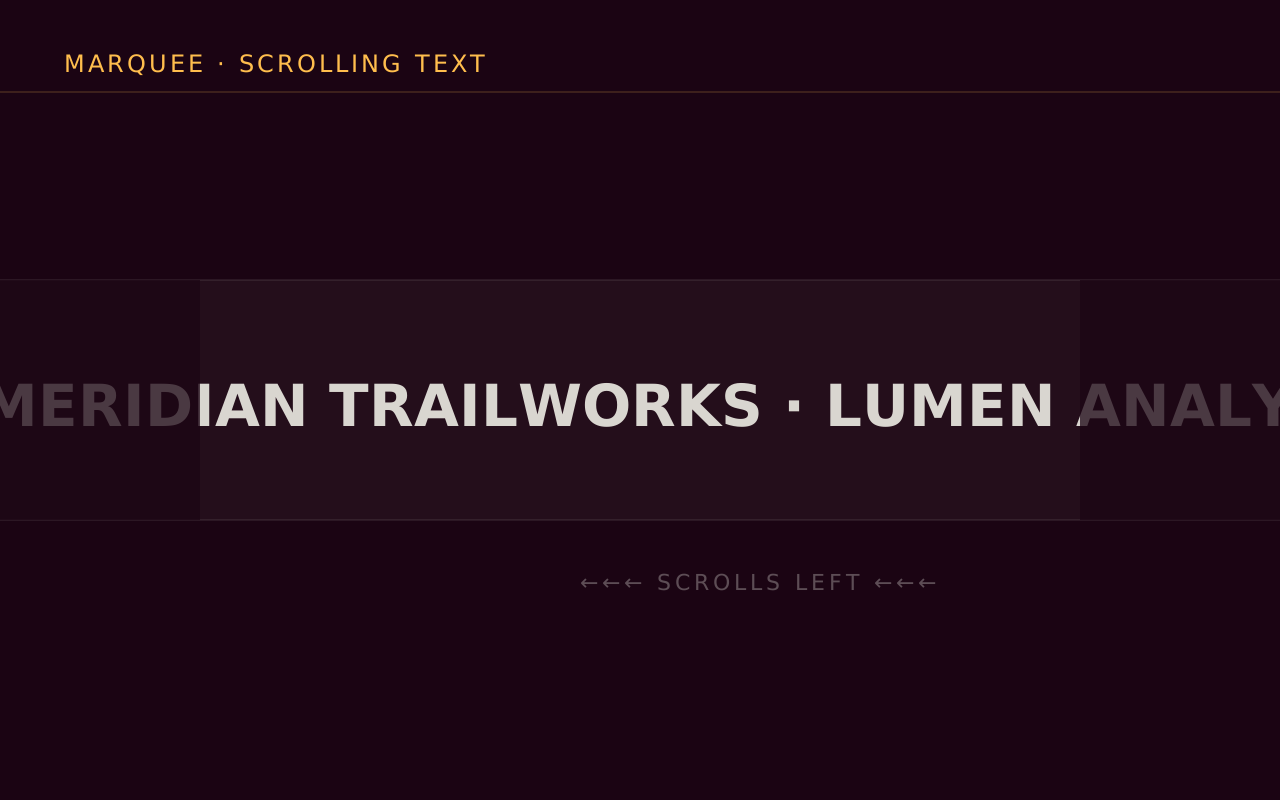
- Scrub Story pins a full-viewport container, and the video's current time follows the reader's scroll position. Marquee, in Extras, is a continuously scrolling text strip that requires the motion feature flag.
Start with the free packs.
Create a free account, generate an install token, and add a pack to the Payload project you already have. There is no card and no trial.
The Craft Library is $250 a year and adds every paid pack with full source. If you stop, what you installed stays yours.
- Free: Marketing Starter and Content Writer, 19 blocks, no card.
- Craft Library, $250 a year: every paid pack and theme, full source, scoped install tokens.
- Single packs, $49 once: for the packs sold on their own.