Primitive and utility blocks for Payload CMS
Spacer, Text Block, Code Block and Custom Block are the plain building parts under everything else on a page. All four are in the paid Extras pack, and they install into the Payload project you already have.
Add one to your Payload project
You need a Payload 3 and Next.js app, a free account and an install token. The get-started guide covers the token and the .npmrc lines.
Code Block is in the paid Extras pack, so your token needs to cover it. The steps are the same as for a free pack.
Install the pack
npm install @wabbit/tome-blocks-extrasLoad the design tokens
One line in your global CSS. Without it the blocks render unstyled.
@import '@wabbit/tome-blocks-core/styles.css';Add the block to a field
Put it in your Pages collection's blocks field, next to the blocks you already have. Run
payload generate:typesafterwards so your generated types know about the new block.import { codeBlock } from '@wabbit/tome-blocks-extras' // in your Pages collection: { name: 'layout', type: 'blocks', blocks: [...existingBlocks, codeBlock.block()], }Render it on the Tome grid
import { renderers } from '@wabbit/tome-blocks-extras/render/register'
import { adaptRenderersForPayload, RenderBlocks } from '@wabbit/tome-blocks-core/render'
import gridStyles from '@wabbit/tome-ui/grid'

const blockComponents = {
  ...yourExistingComponents,
  ...adaptRenderersForPayload(renderers),
}

<RenderBlocks
  blocks={page.layout}
  components={blockComponents}
  gridClassName={gridStyles.grid}
/>
Only if the project has never installed from our registry
Sign up at /signup (no card). Then go to Account, Credentials, claim the free license and generate your key in the same card. Add this to the project's .npmrc:
@wabbit:registry=https://npm.wabbit.com/And this to your user-level ~/.npmrc:
//npm.wabbit.com/:_authToken=YOUR_TOKEN_HEREQuestions about primitive and utility blocks
- What does the Spacer block do?
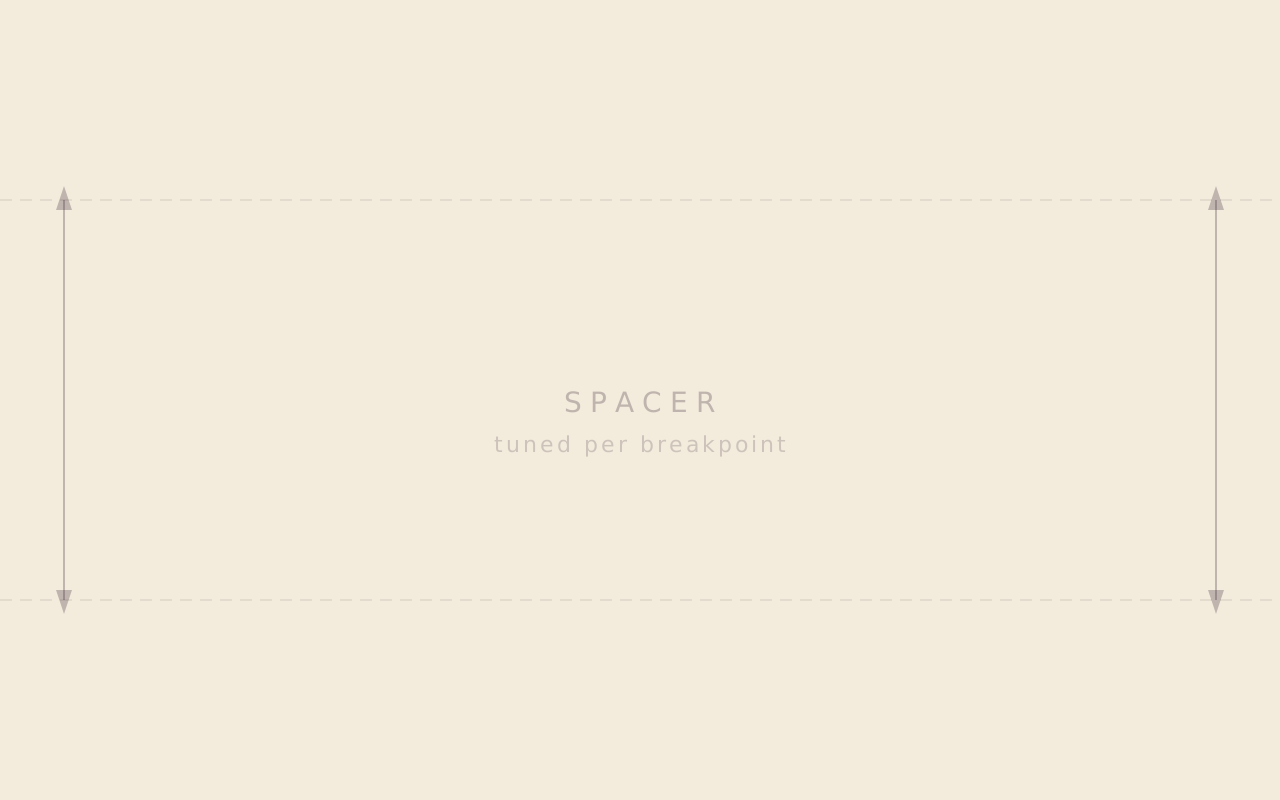
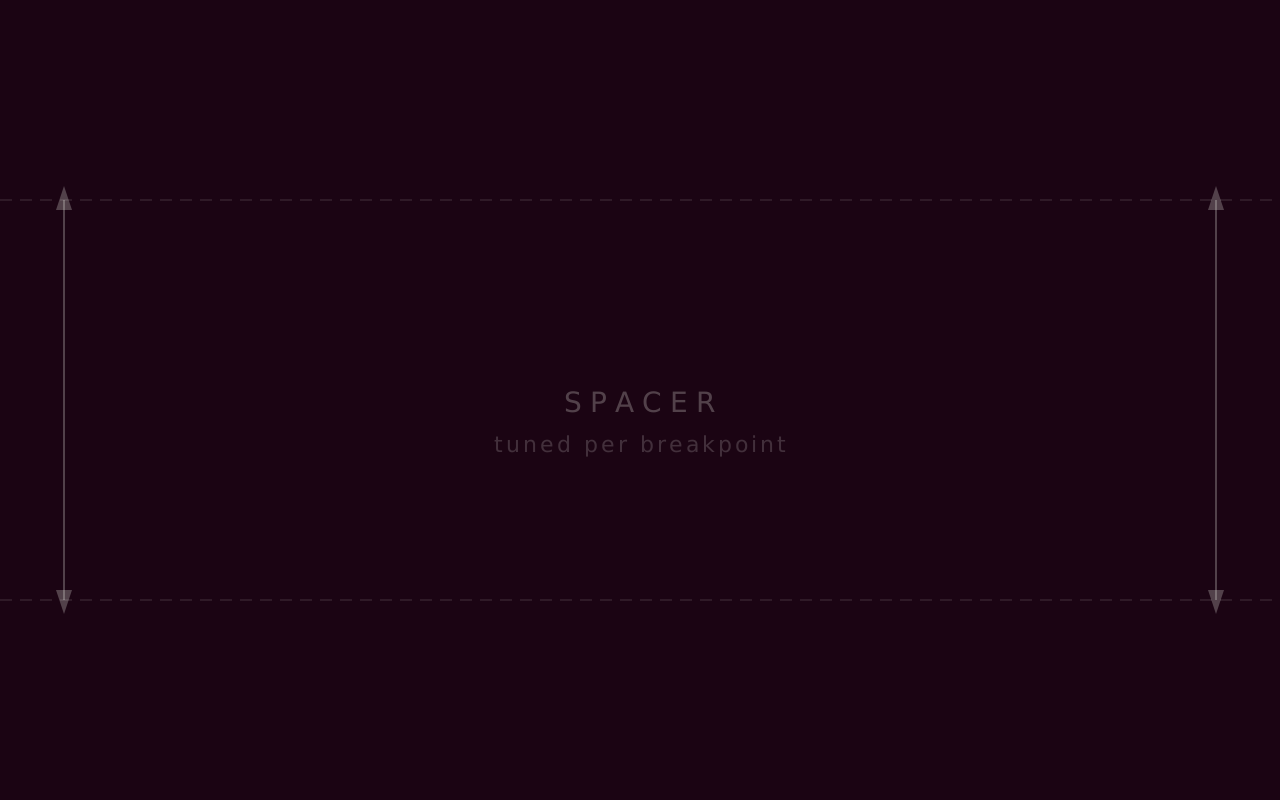
- Spacer is a pure vertical gap with a size scale and responsive show and hide. Its Bridge mode turns it into a viewport-tall pause that can center a hairline rule or a section numeral.
- What goes in Text Block?
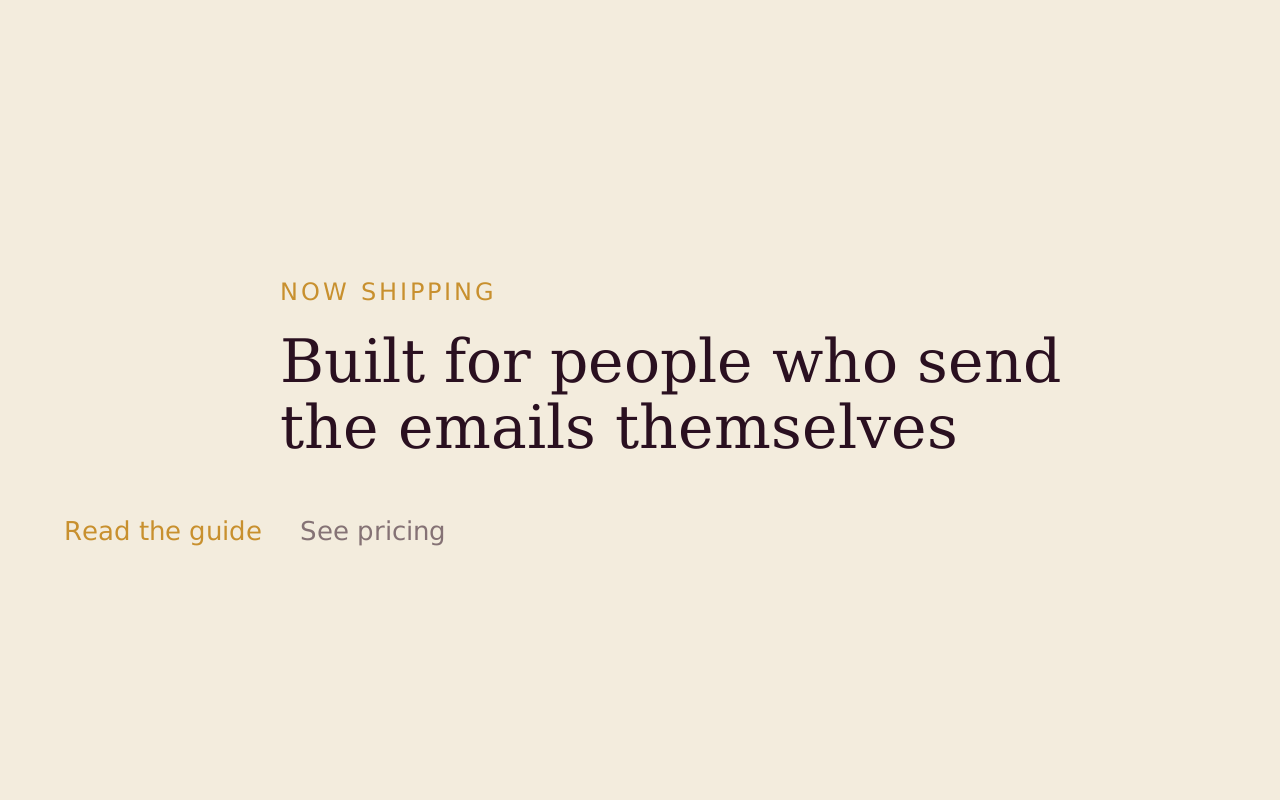
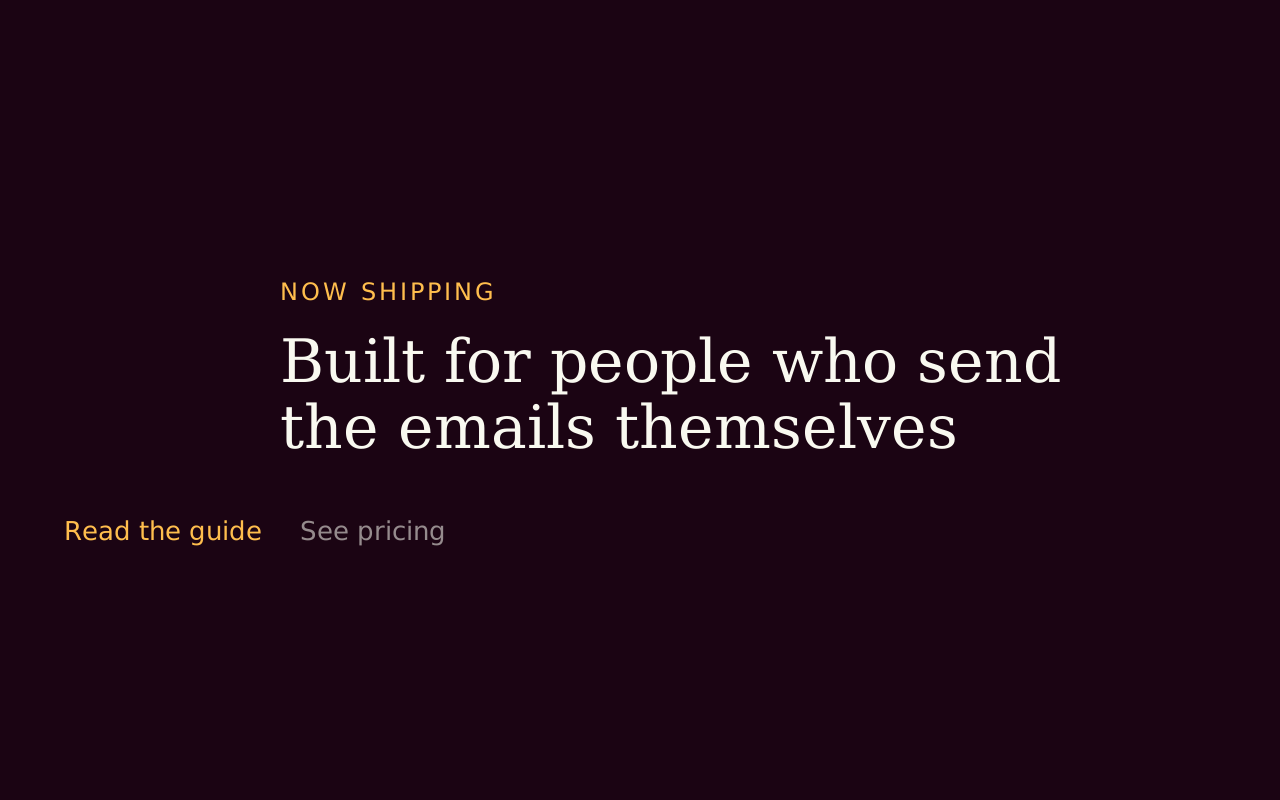
- Headings, paragraphs, lists, inline code and buttoned or inline links, with a controllable reading measure and an editorial column range. It is the simplest way to put formatted prose on a page.
- Can I show code on a page?
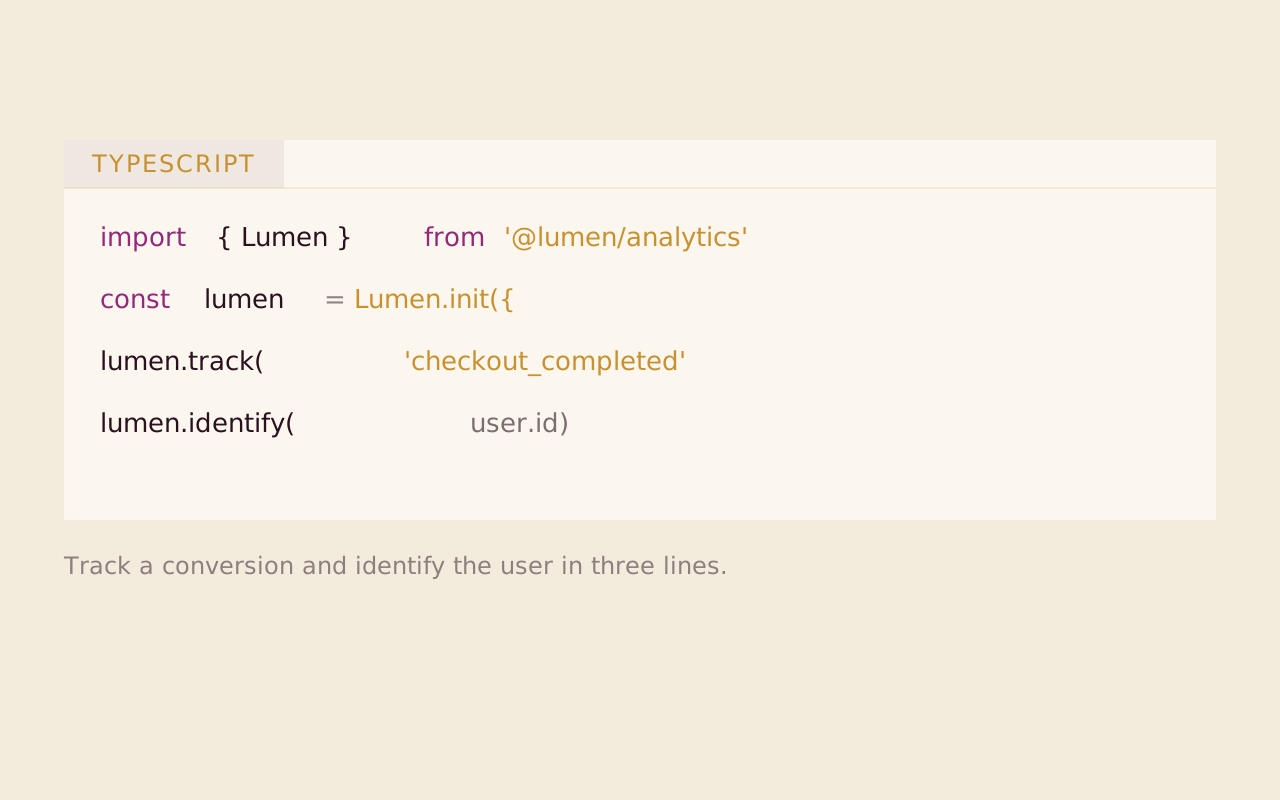
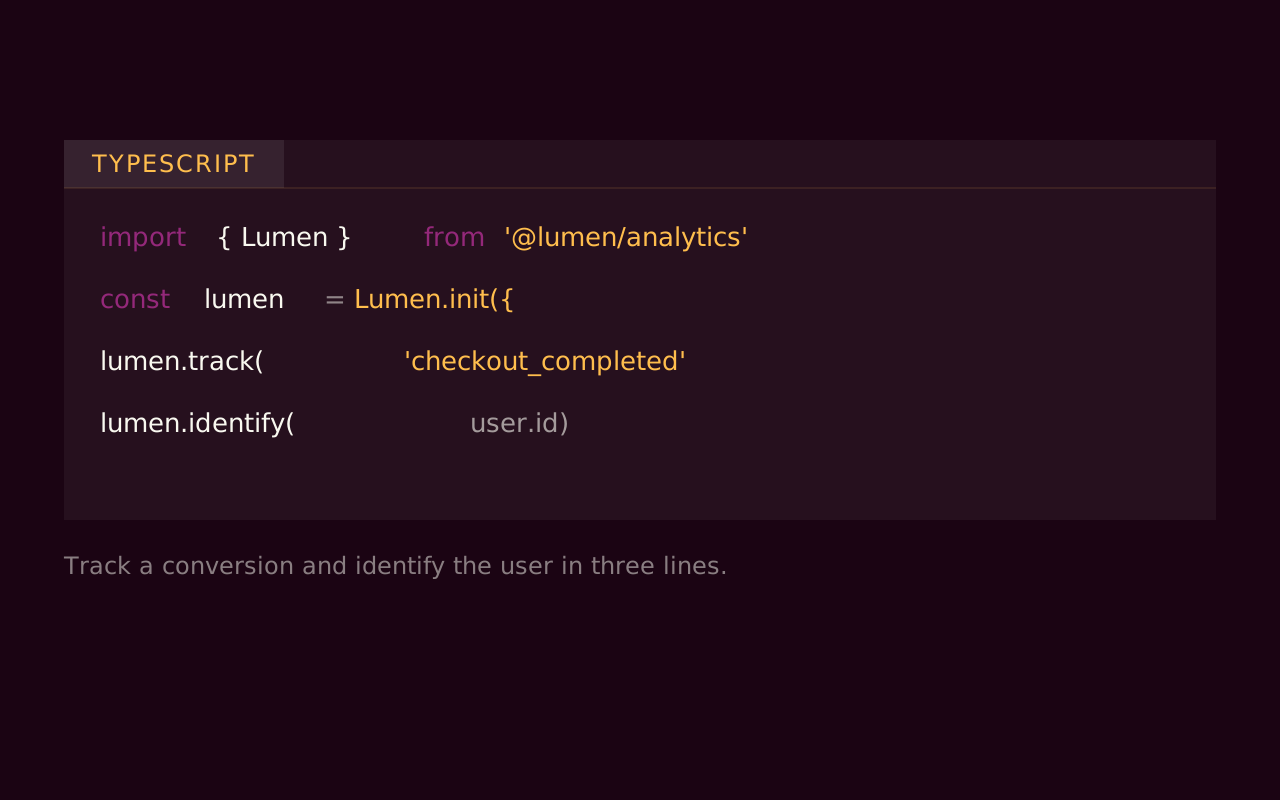
- Code Block is a syntax-highlighted snippet with a language selector, a caption below or in the margin, and a breakout width, for docs, tutorials and technical articles.
- What is Custom Block for?
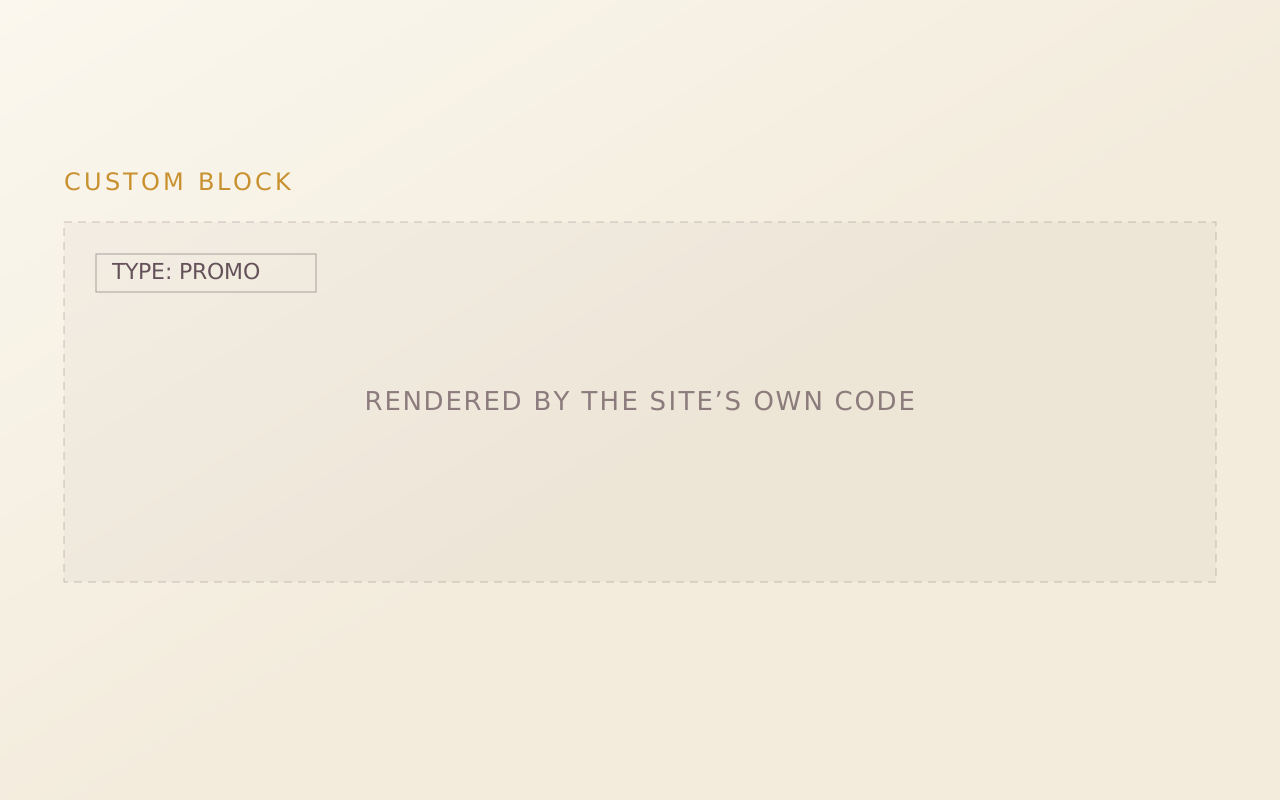
- It is an escape hatch for site-specific blocks the standard library doesn't cover. It is a typed container that passes through to a custom renderer registered in your site, and its descriptor marks it as intended for developer use.
Start with the free packs.
Create a free account, generate an install token, and add a pack to the Payload project you already have. There is no card and no trial.
The Craft Library is $250 a year and adds every paid pack with full source. If you stop, what you installed stays yours.
- Free: Marketing Starter and Content Writer, 19 blocks, no card.
- Craft Library, $250 a year: every paid pack and theme, full source, scoped install tokens.
- Single packs, $49 once: for the packs sold on their own.