Testimonial blocks for Payload CMS
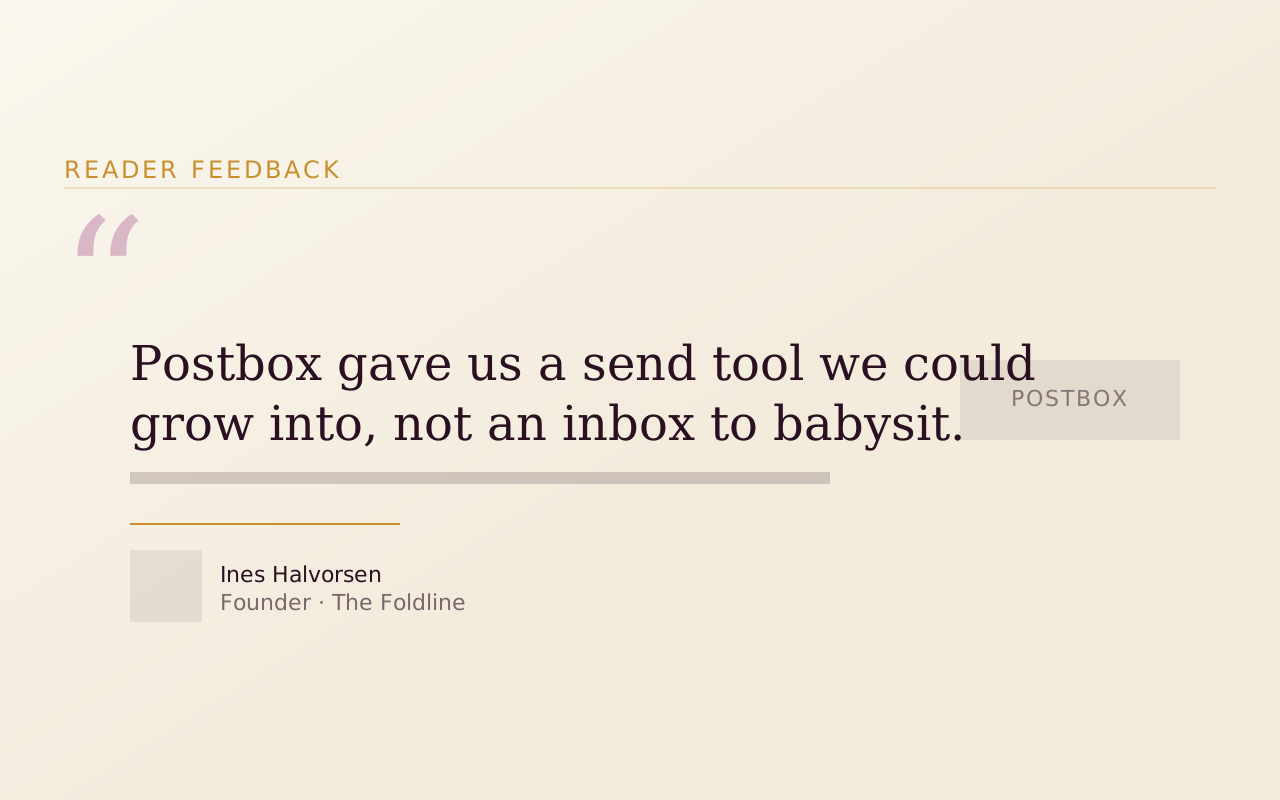
Testimonial blocks put a customer's words next to the claim they back up. Tome has five, from a quote carousel and Pull Quote to a video Testimonial Rail, and the Testimonial block is free to install into the Payload project you already have.
Add one to your Payload project
You need a Payload 3 and Next.js app, a free account and an install token. The get-started guide covers the token and the .npmrc lines.
Testimonial is in the free Marketing Starter pack. Paid packs install the same way once your token covers them.
Install the pack
npm install @wabbit/tome-blocks-marketing-starterLoad the design tokens
One line in your global CSS. Without it the blocks render unstyled.
@import '@wabbit/tome-blocks-core/styles.css';Add the block to a field
Put it in your Pages collection's blocks field, next to the blocks you already have. Run
payload generate:typesafterwards so your generated types know about the new block.import { testimonialBlock } from '@wabbit/tome-blocks-marketing-starter' // in your Pages collection: { name: 'layout', type: 'blocks', blocks: [...existingBlocks, testimonialBlock.block()], }Render it on the Tome grid
import { renderers } from '@wabbit/tome-blocks-marketing-starter/render/register'
import { adaptRenderersForPayload, RenderBlocks } from '@wabbit/tome-blocks-core/render'
import gridStyles from '@wabbit/tome-ui/grid'

const blockComponents = {
  ...yourExistingComponents,
  ...adaptRenderersForPayload(renderers),
}

<RenderBlocks
  blocks={page.layout}
  components={blockComponents}
  gridClassName={gridStyles.grid}
/>
Only if the project has never installed from our registry
Sign up at /signup (no card). Then go to Account, Credentials, claim the free license and generate your key in the same card. Add this to the project's .npmrc:
@wabbit:registry=https://npm.wabbit.com/And this to your user-level ~/.npmrc:
//npm.wabbit.com/:_authToken=YOUR_TOKEN_HEREQuestions about testimonial blocks
- Where do the quotes come from?
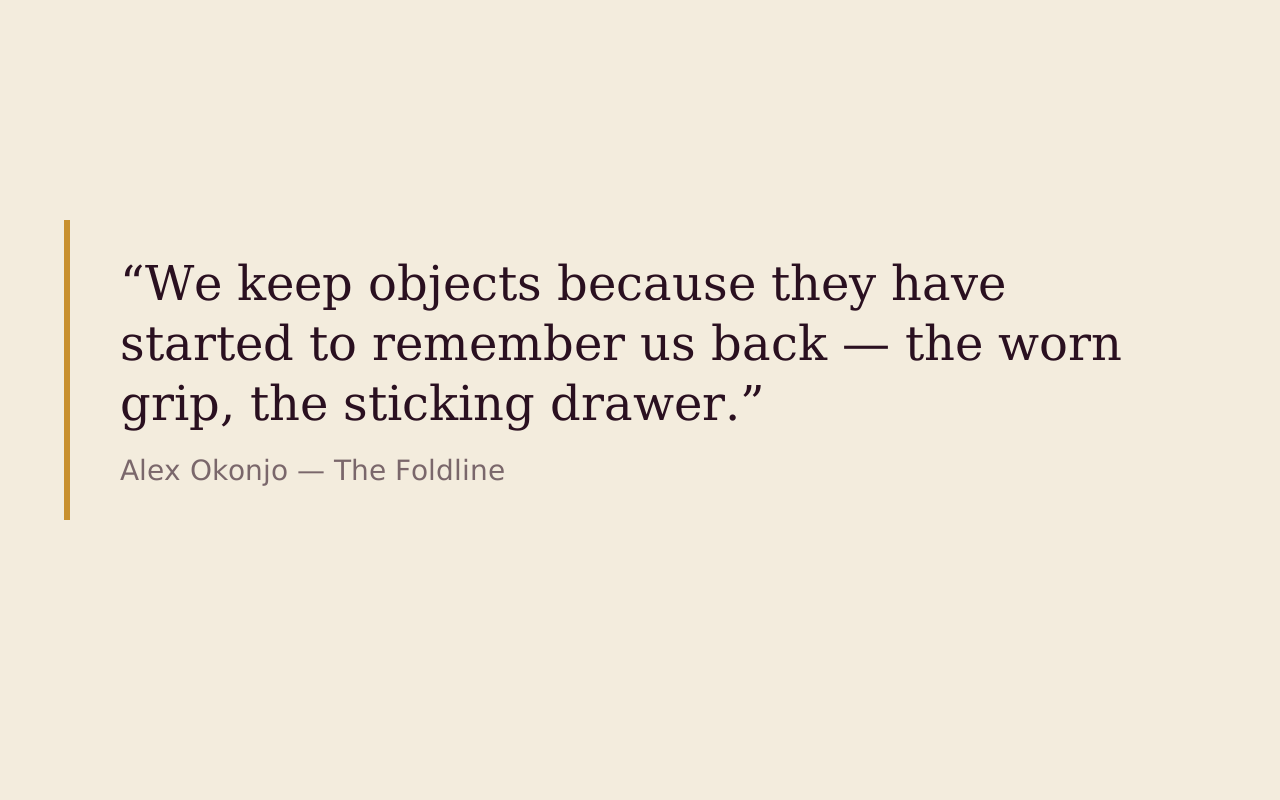
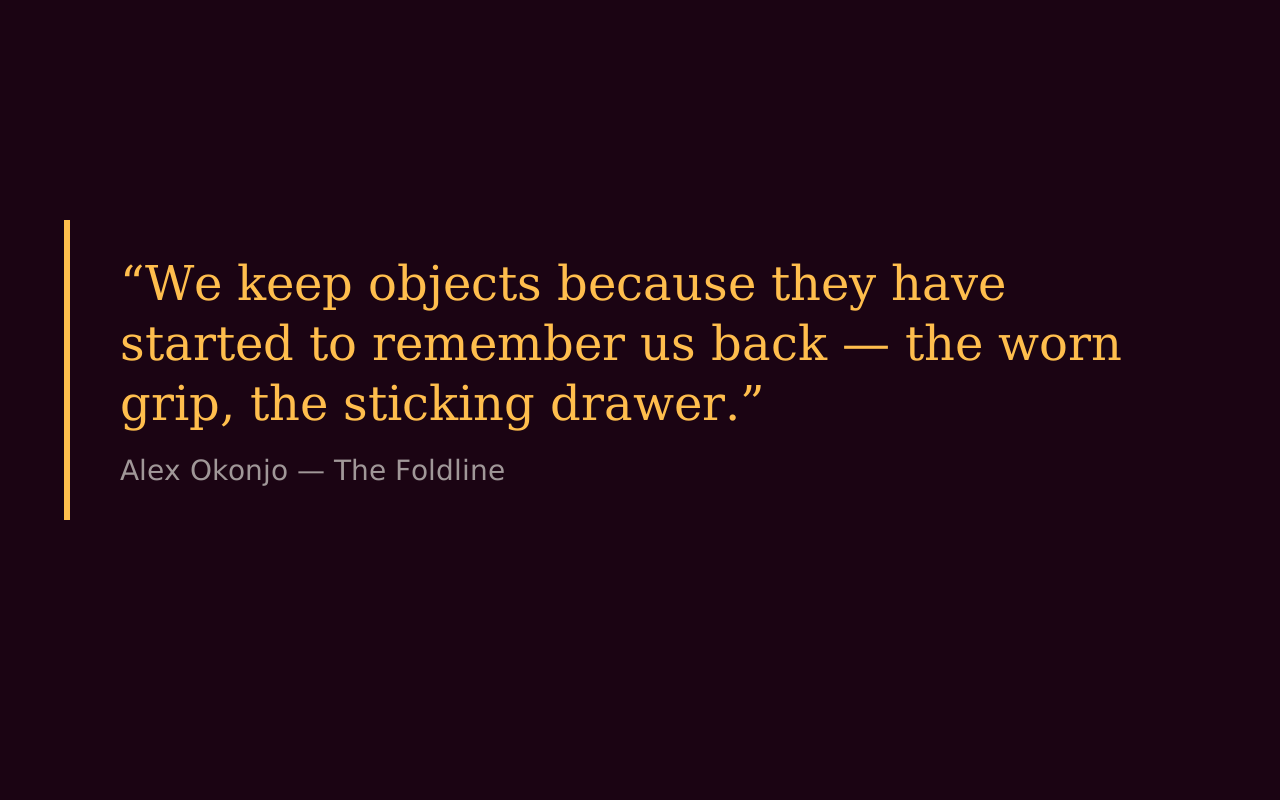
- The free Testimonial block pulls quotes from the testimonials collection and shows a single featured quote or a paginated carousel, in four variants. Pull Quote, in Extras, takes a quotation from the article body or a testimonial you supply, with an attribution and an optional portrait.
- Can I use video testimonials?
- Yes. Testimonial Rail, in Cinema Blocks, is a drag-to-scroll rail of portrait video cards, and only one clip plays at a time. Each card shows a name, a role and a one-line quote, and a card with no video renders a placeholder, so a rail can be built up as you collect clips.
- Is there a block for showing a mixed result?
- Receipts Trio, in Dossier Blocks, is a dark band with up to three quote cards (quote, name and role), and it is built to hold a non-flattering result alongside the wins.
- Which testimonial block is free?
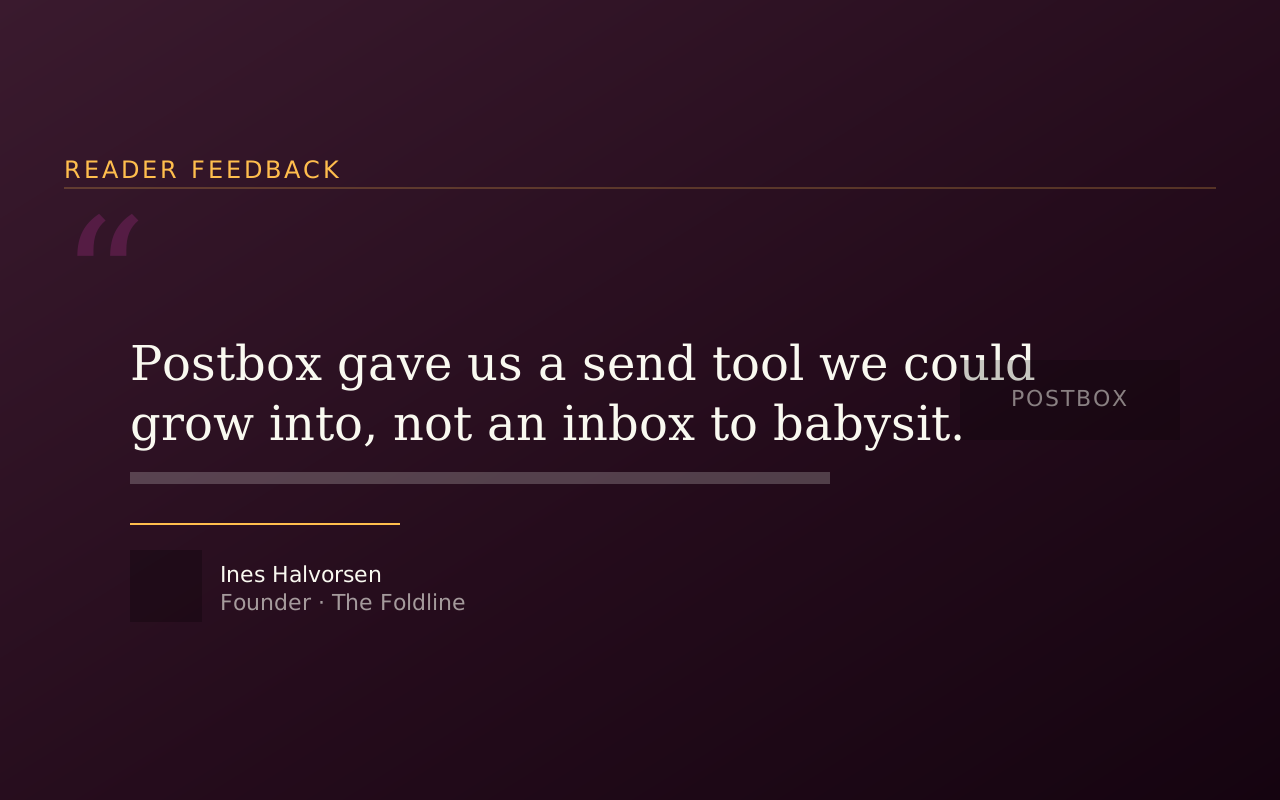
- Testimonial, in the Marketing Starter pack. It has four variants: a default card, an editorial pull-quote, a dark one with a star strip, and a carousel.
Start with the free packs.
Create a free account, generate an install token, and add a pack to the Payload project you already have. There is no card and no trial.
The Craft Library is $250 a year and adds every paid pack with full source. If you stop, what you installed stays yours.
- Free: Marketing Starter and Content Writer, 19 blocks, no card.
- Craft Library, $250 a year: every paid pack and theme, full source, scoped install tokens.
- Single packs, $49 once: for the packs sold on their own.