Feature blocks for Payload CMS
Feature blocks lay out what a product or service does, and Tome's ten range from Card Grid and Stop Viewer to a feature-by-feature Comparison Table. Eight are free, and every block installs into the Payload project you already have.
Add one to your Payload project
You need a Payload 3 and Next.js app, a free account and an install token. The get-started guide covers the token and the .npmrc lines.
Exhibit Wall is in the free Marketing Starter pack. Paid packs install the same way once your token covers them.
Install the pack
npm install @wabbit/tome-blocks-marketing-starterLoad the design tokens
One line in your global CSS. Without it the blocks render unstyled.
@import '@wabbit/tome-blocks-core/styles.css';Add the block to a field
Put it in your Pages collection's blocks field, next to the blocks you already have. Run
payload generate:typesafterwards so your generated types know about the new block.import { exhibitBlock } from '@wabbit/tome-blocks-marketing-starter' // in your Pages collection: { name: 'layout', type: 'blocks', blocks: [...existingBlocks, exhibitBlock.block()], }Render it on the Tome grid
import { renderers } from '@wabbit/tome-blocks-marketing-starter/render/register'
import { adaptRenderersForPayload, RenderBlocks } from '@wabbit/tome-blocks-core/render'
import gridStyles from '@wabbit/tome-ui/grid'

const blockComponents = {
  ...yourExistingComponents,
  ...adaptRenderersForPayload(renderers),
}

<RenderBlocks
  blocks={page.layout}
  components={blockComponents}
  gridClassName={gridStyles.grid}
/>
Only if the project has never installed from our registry
Sign up at /signup (no card). Then go to Account, Credentials, claim the free license and generate your key in the same card. Add this to the project's .npmrc:
@wabbit:registry=https://npm.wabbit.com/And this to your user-level ~/.npmrc:
//npm.wabbit.com/:_authToken=YOUR_TOKEN_HEREQuestions about feature blocks
- Which block fits a section about what we offer?
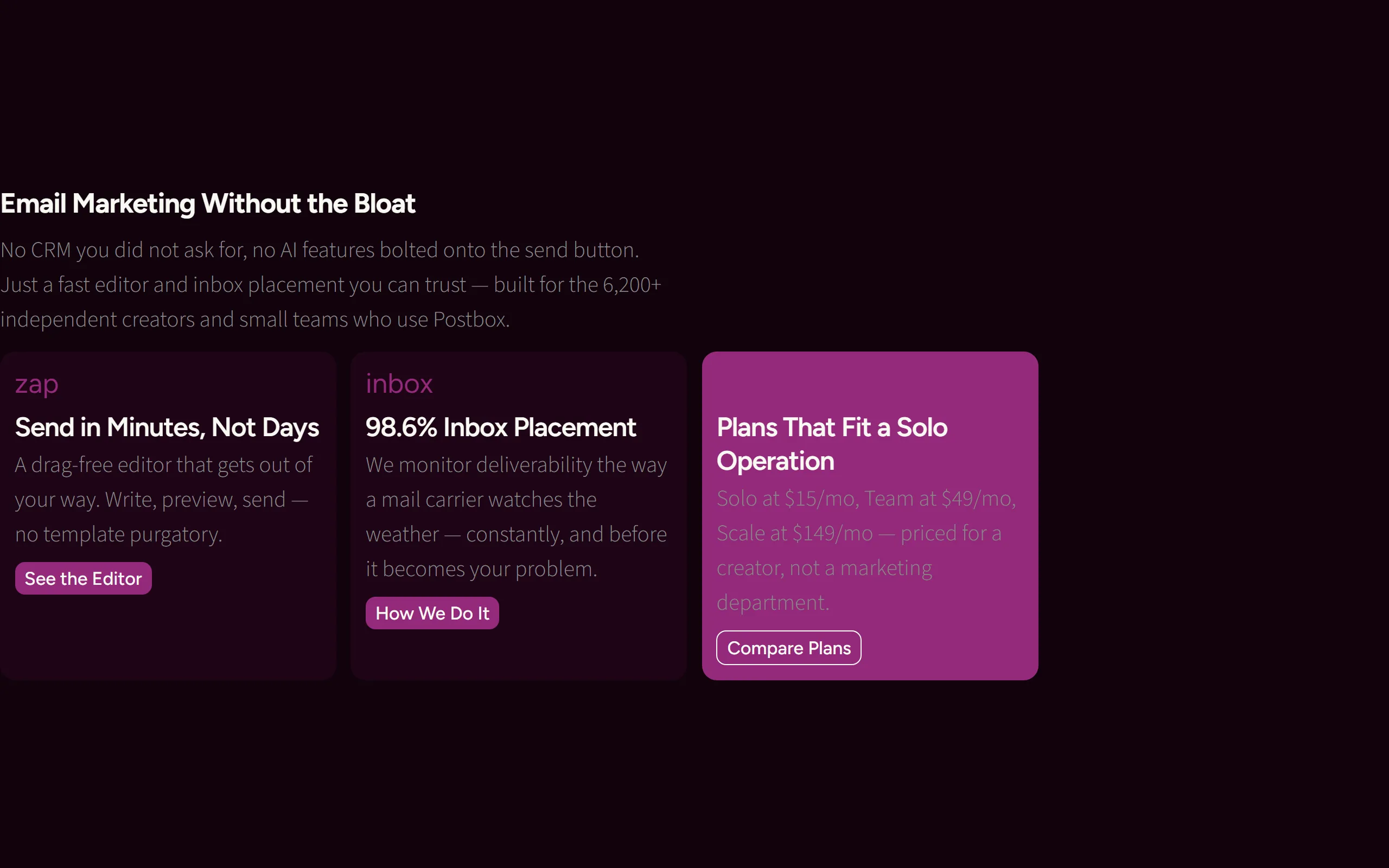
- Card Grid, in the Extras pack, is a responsive grid of cards that each take optional media, a heading, body text and a link, for features, services or team members. The Feature block in the Editorial Pack pairs an image with USP cards, numbered steps, a statement or a stat band across five layout modes. Feature Hero, listed under Hero, is free too, with six layouts.
- Can I compare options feature by feature?
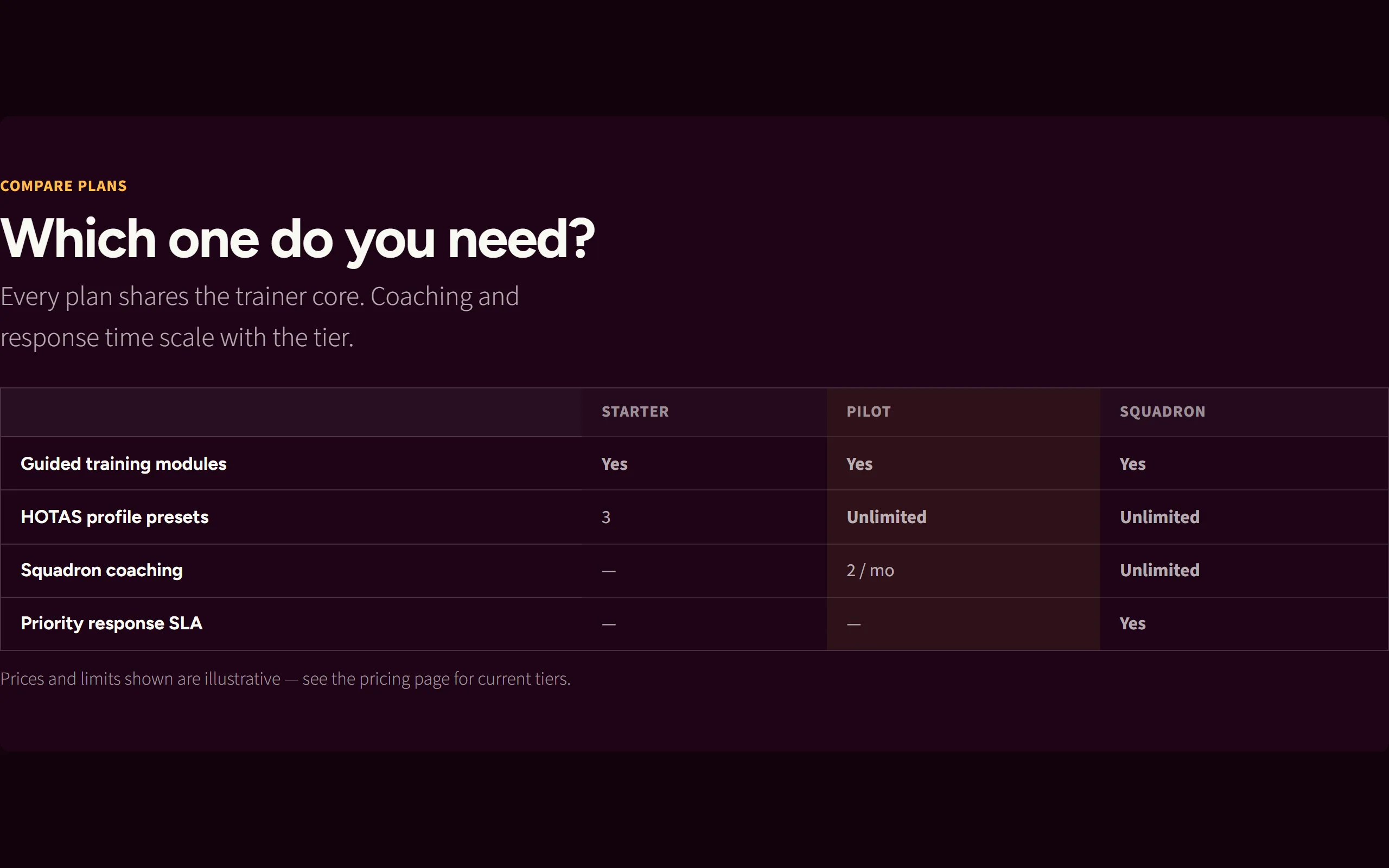
- Yes. Comparison Table, in Dossier Blocks, takes 2 to 6 columns and up to 24 rows, with an optional tone for each cell (default, affirmative or absent). Checklist, in Extras, is the lighter choice: a list whose items can be checked or crossed.
- Is there a block for case studies and portfolios?
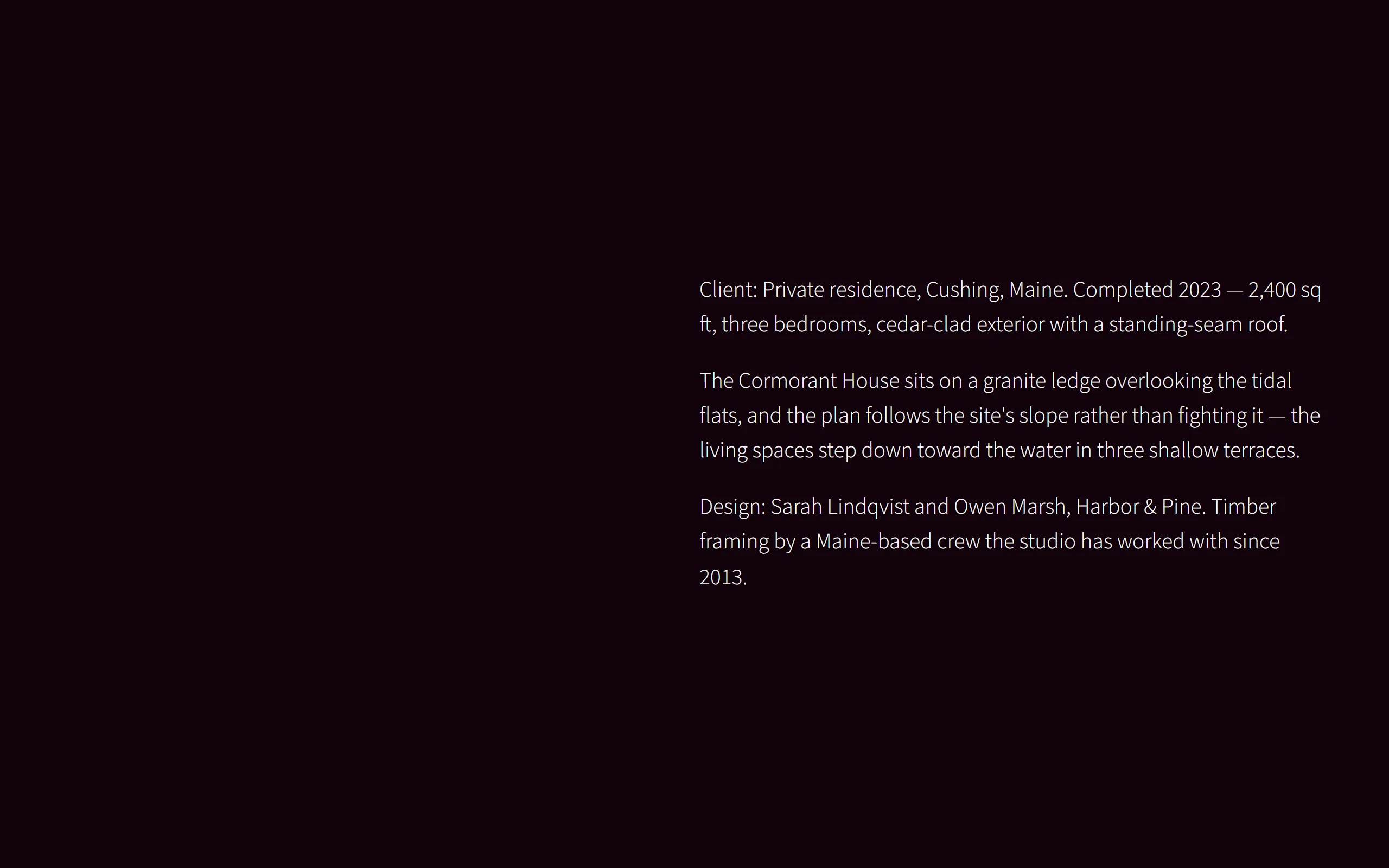
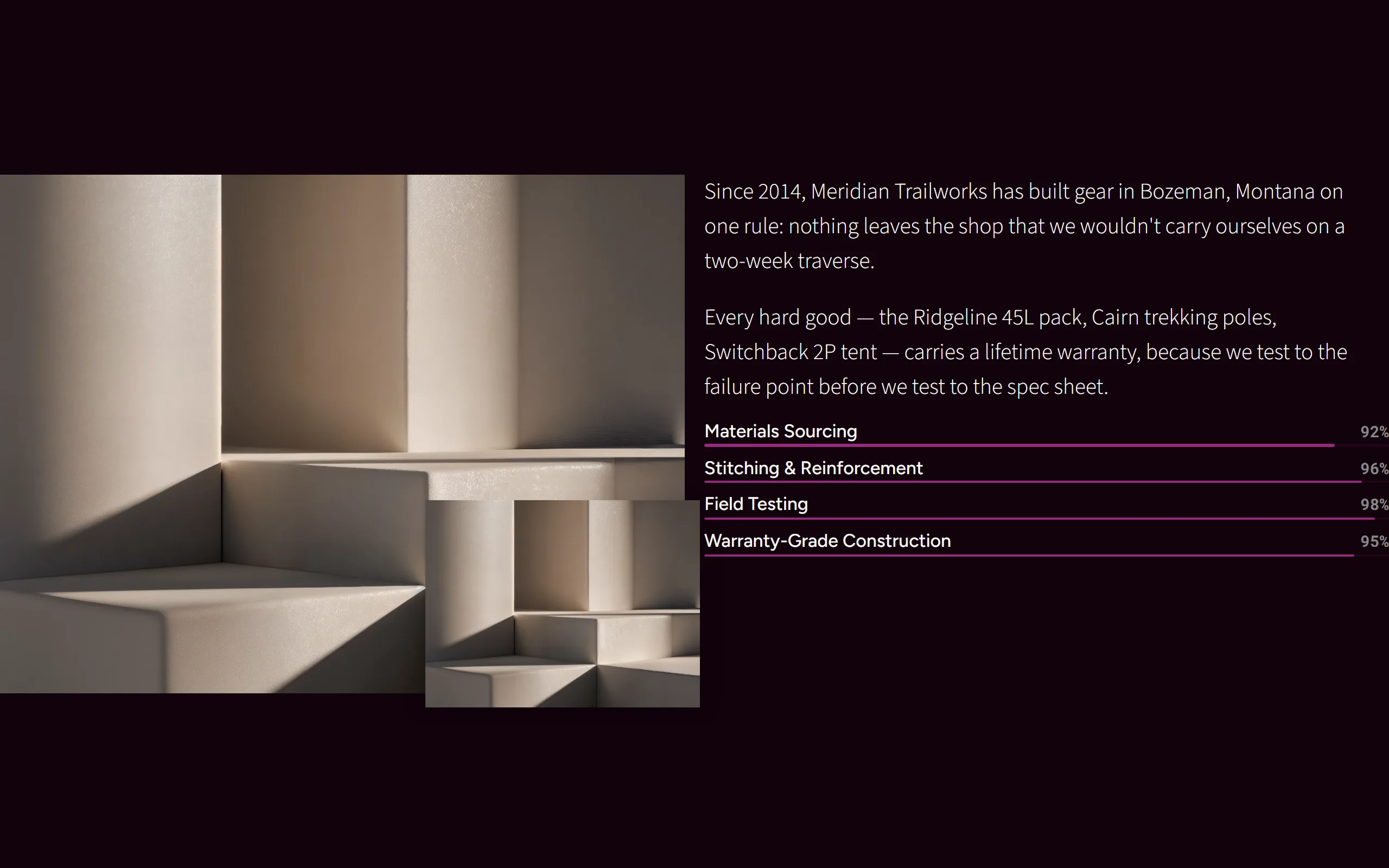
- Project Info, in Extras, holds the client, role, deliverables, dates and a project description. Skill Showcase puts skill bars beside a profile image, for portfolio and about pages.
- Which feature blocks are free?
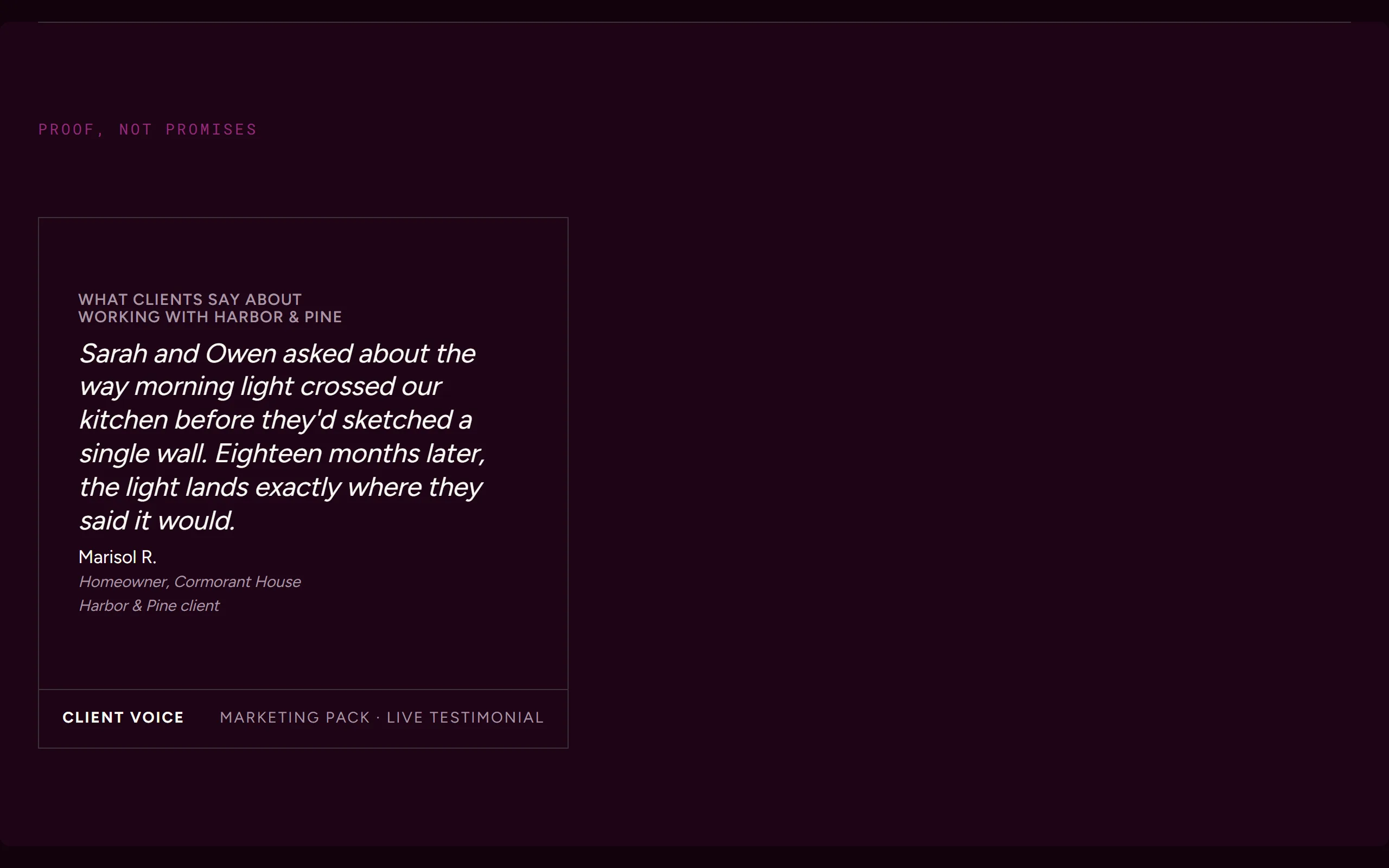
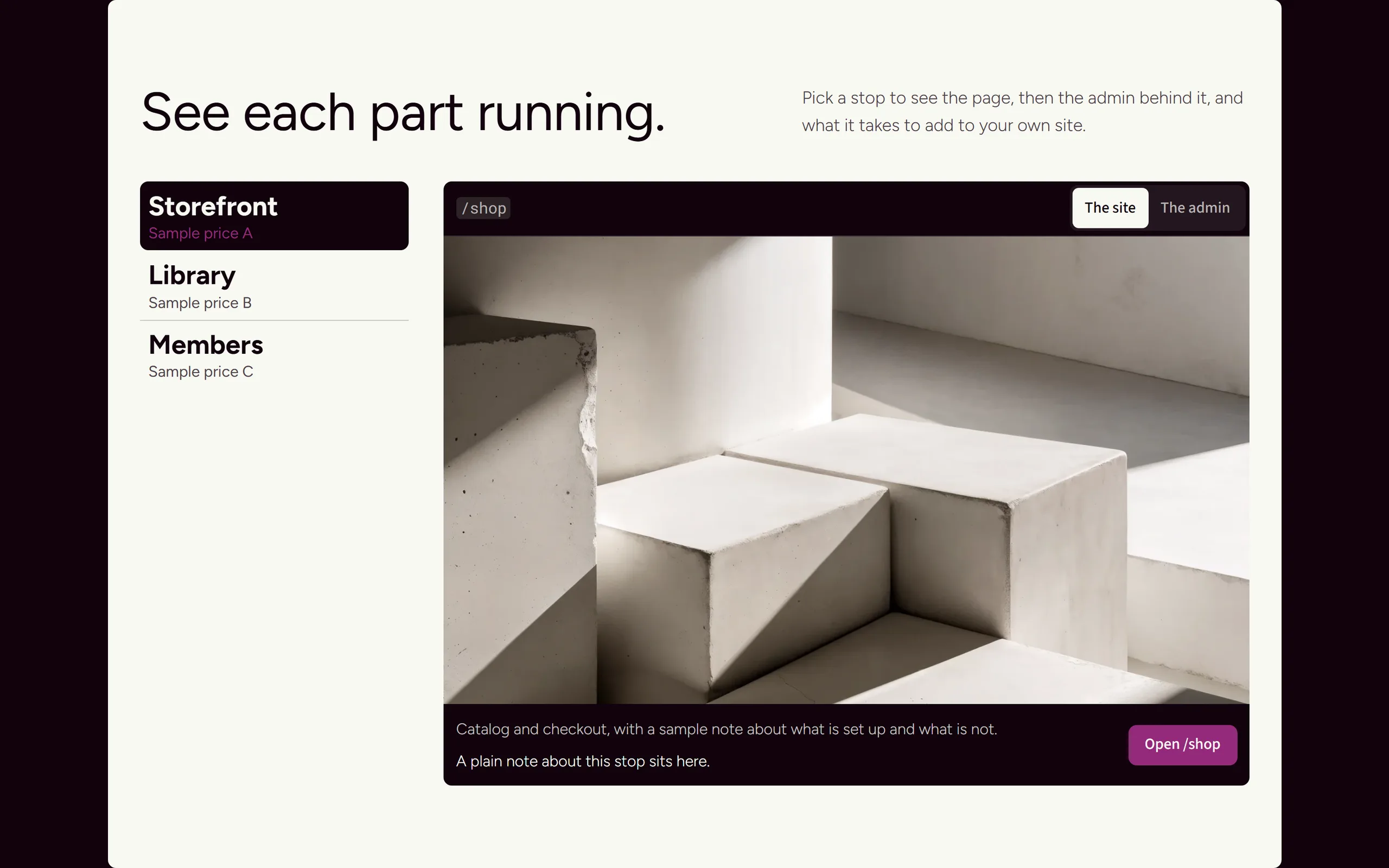
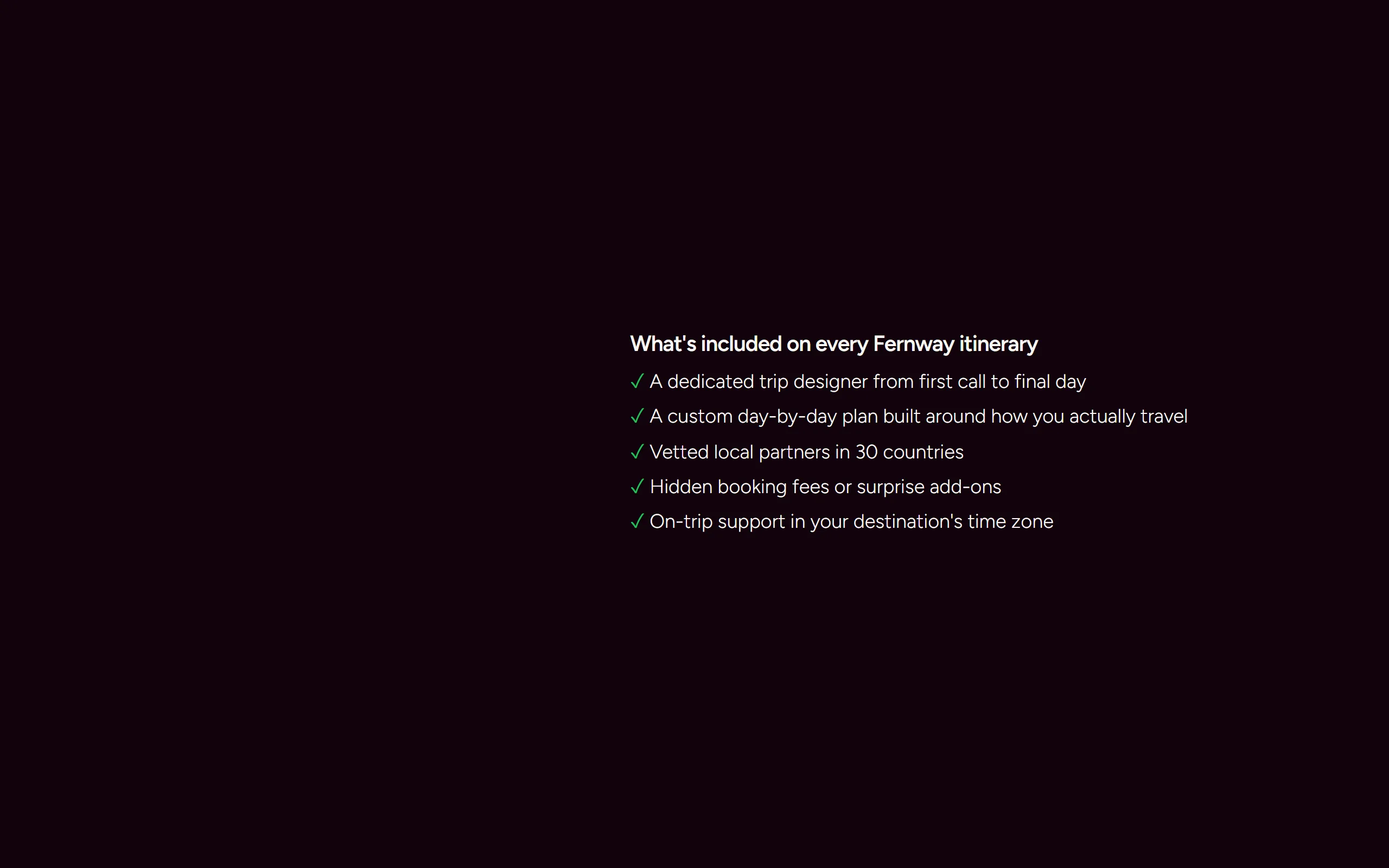
- Eight of the ten. Exhibit Wall, in the Marketing Starter pack, sets real nested block renders on an asymmetric wall, under captions that name each block and its source, rather than screenshots. Stop Viewer, in the same pack, walks a visitor through a product one stop at a time, with a site and an admin picture for each. Card Grid, Card, Checklist, Project Info, Showcase and Skill Showcase are in Extras.
Start with the free packs.
Create a free account, generate an install token, and add a pack to the Payload project you already have. There is no card and no trial.
The Craft Library is $250 a year and adds every paid pack with full source. If you stop, what you installed stays yours.
- Free: Marketing Starter, Content Writer and Extras, 63 blocks, no card.
- Craft Library, $250 a year: every paid pack and theme, full source, scoped install tokens.
- Single packs, $49 once: for the packs sold on their own.