Editorial device blocks for Payload CMS
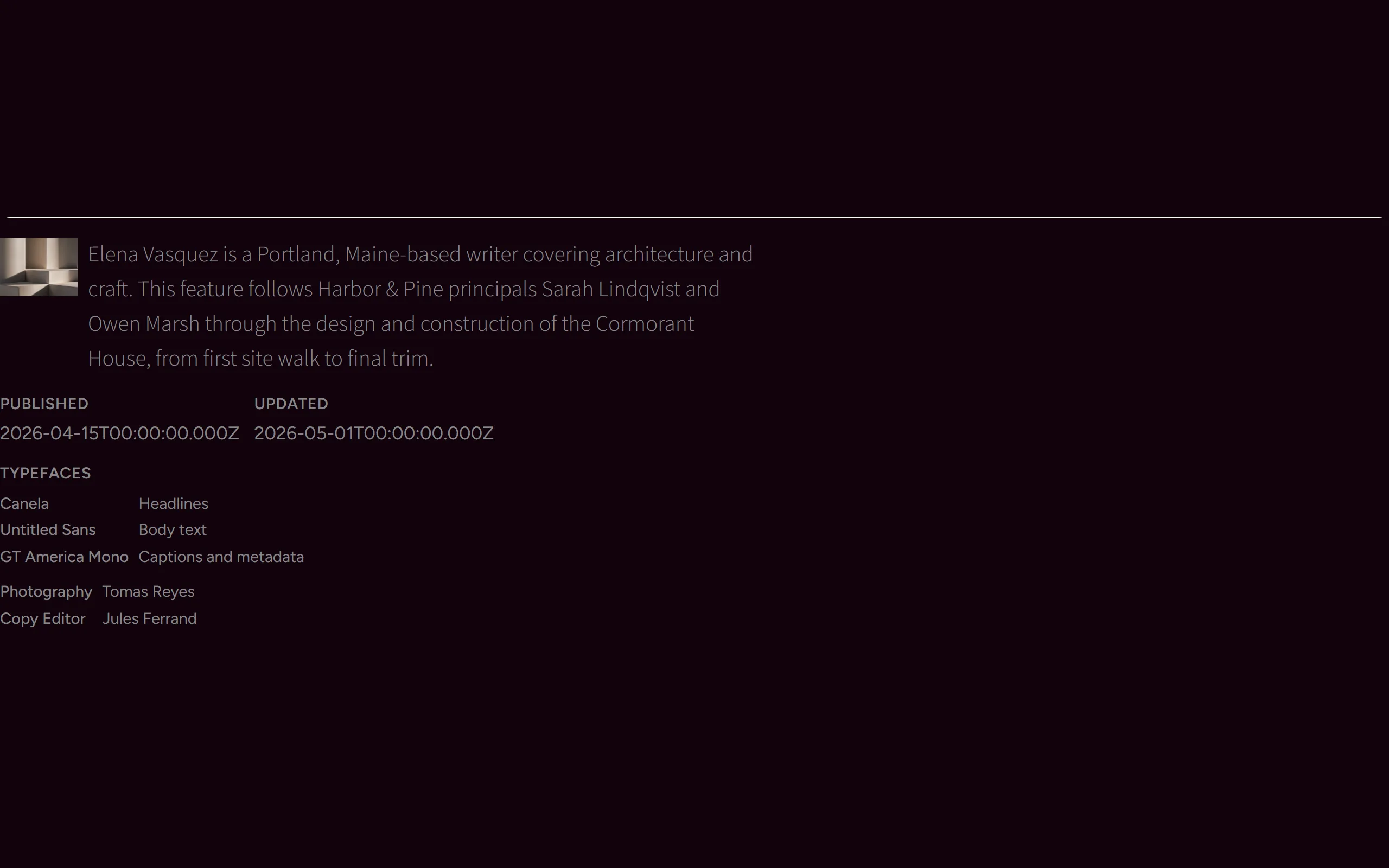
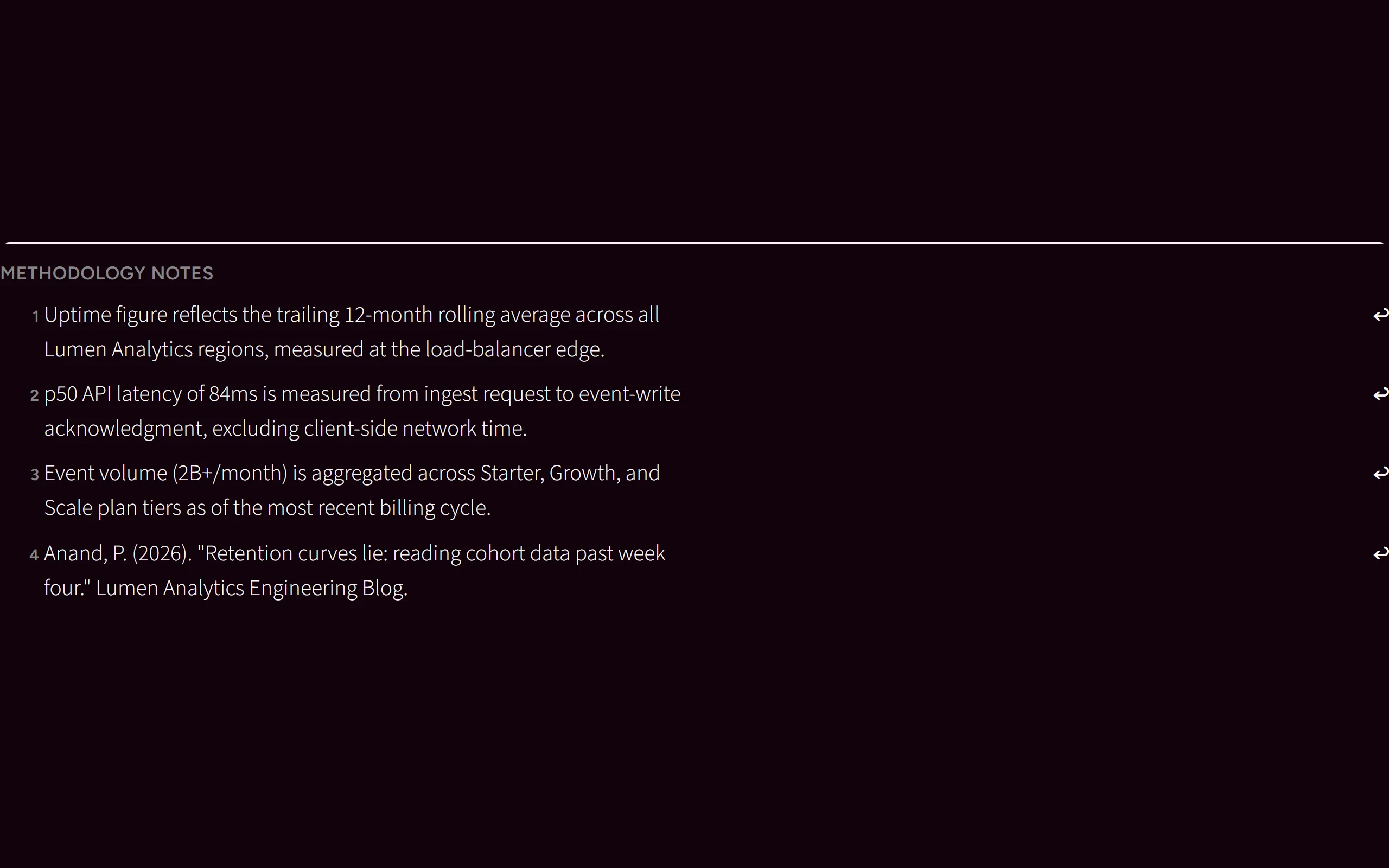
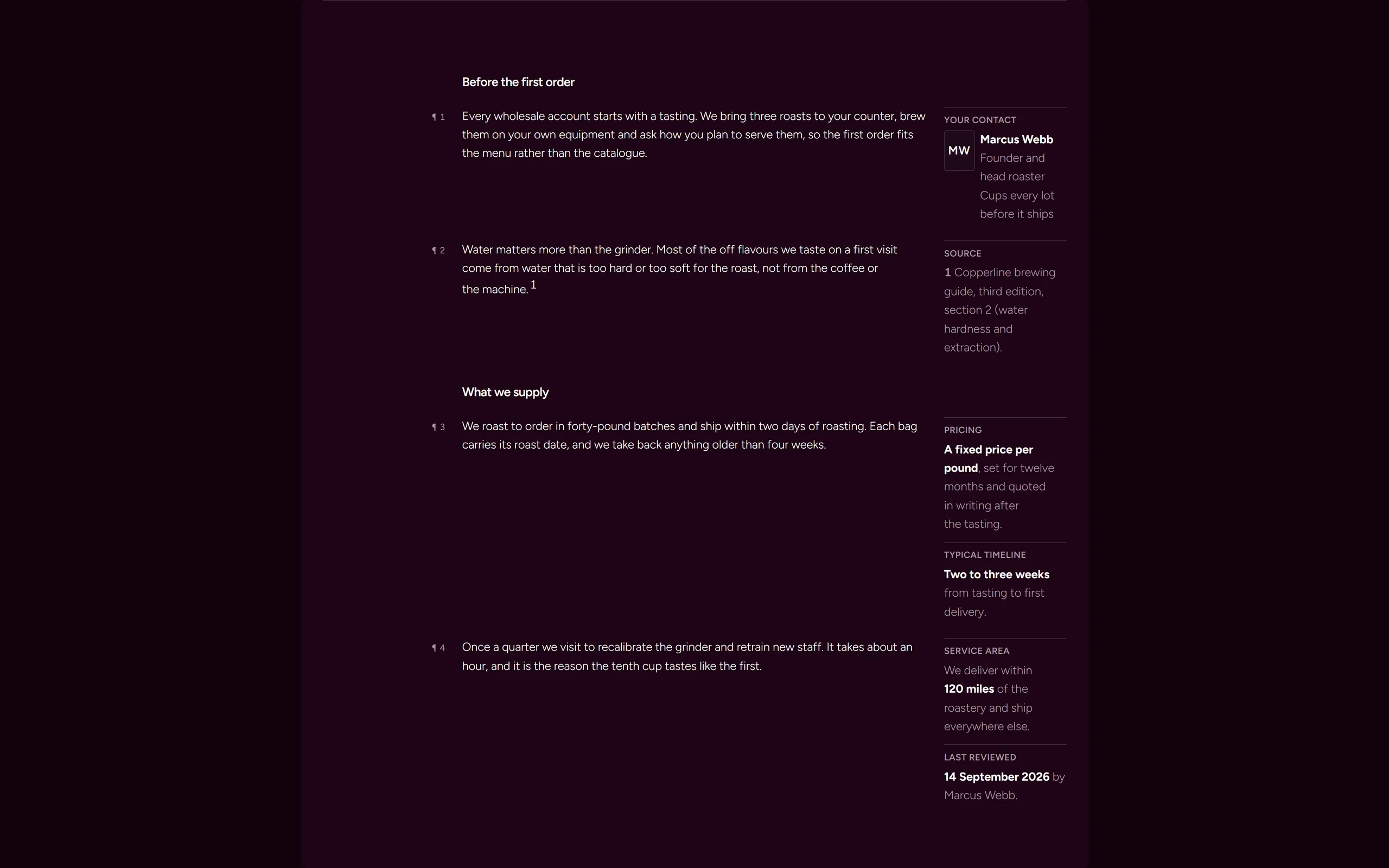
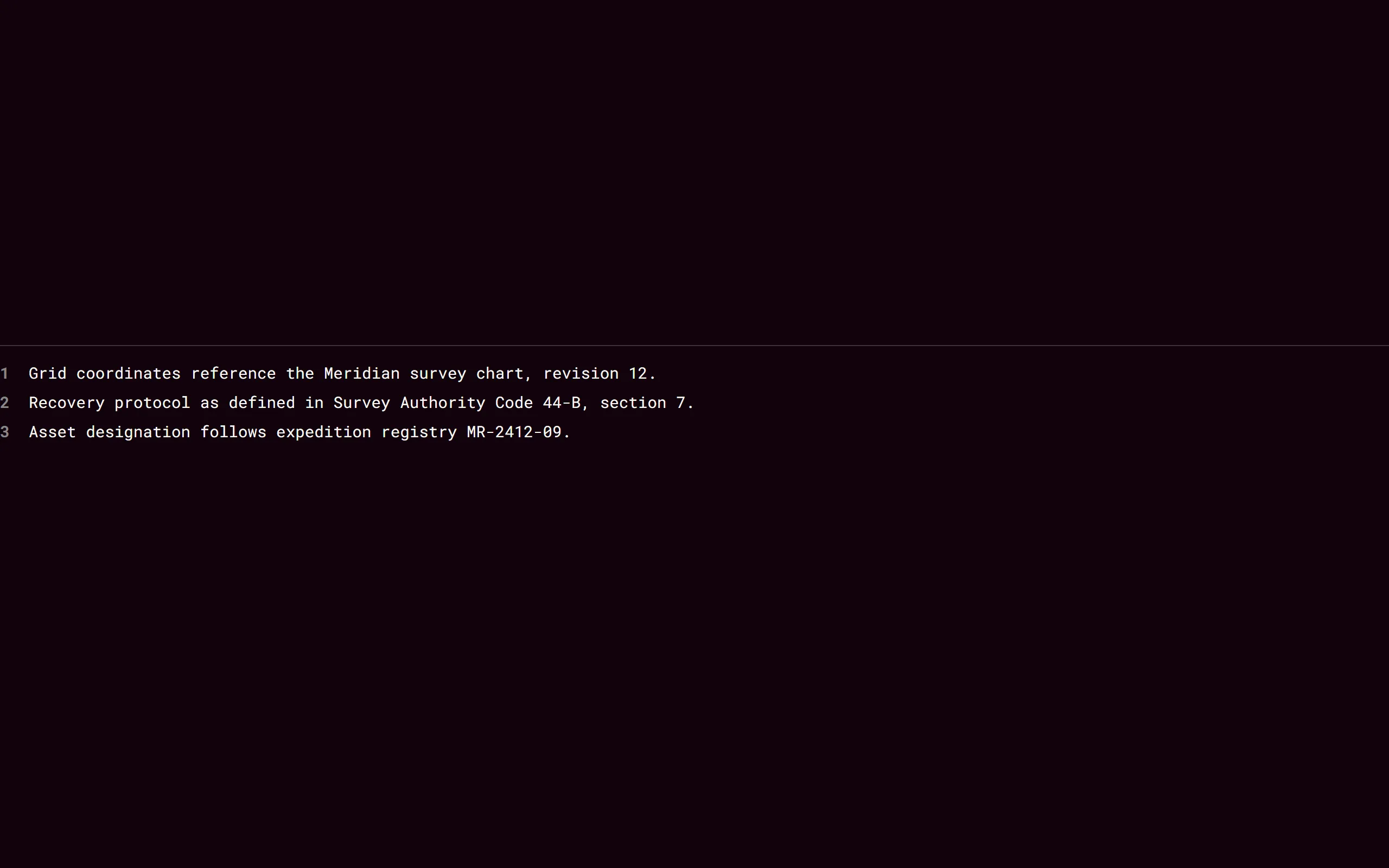
Sidenotes, footnotes, a colophon and a closing signature are the small parts that make a long article read like an article. Tome has eight editorial device blocks, five of them free, and they install into the Payload project you already have.



Add one to your Payload project
You need a Payload 3 and Next.js app, a free account and an install token. The get-started guide covers the token and the .npmrc lines.
Editorial Sidenote is in the free Content Writer pack. Paid packs install the same way once your token covers them.
Install the pack
npm install @wabbit/tome-blocks-content-writerLoad the design tokens
One line in your global CSS. Without it the blocks render unstyled.
@import '@wabbit/tome-blocks-core/styles.css';Add the block to a field
Put it in your Pages collection's blocks field, next to the blocks you already have. Run
payload generate:typesafterwards so your generated types know about the new block.import { editorialSidenoteBlock } from '@wabbit/tome-blocks-content-writer' // in your Pages collection: { name: 'layout', type: 'blocks', blocks: [...existingBlocks, editorialSidenoteBlock.block()], }Render it on the Tome grid
import { renderers } from '@wabbit/tome-blocks-content-writer/render/register'
import { adaptRenderersForPayload, RenderBlocks } from '@wabbit/tome-blocks-core/render'
import gridStyles from '@wabbit/tome-ui/grid'

const blockComponents = {
  ...yourExistingComponents,
  ...adaptRenderersForPayload(renderers),
}

<RenderBlocks
  blocks={page.layout}
  components={blockComponents}
  gridClassName={gridStyles.grid}
/>
Only if the project has never installed from our registry
Sign up at /signup (no card). Then go to Account, Credentials, claim the free license and generate your key in the same card. Add this to the project's .npmrc:
@wabbit:registry=https://npm.wabbit.com/And this to your user-level ~/.npmrc:
//npm.wabbit.com/:_authToken=YOUR_TOKEN_HEREQuestions about editorial device blocks
- Which editorial devices are free?
- Five: Editorial Bridge, Editorial Sidenote, Editorial Colophon and Editorial Footnotes in the Content Writer pack, and Signature in Extras.
- How do sidenotes and footnotes differ?
- Editorial Sidenote is a marginal annotation in columns 10 to 12, aligned by script to the paragraph it refers to. Editorial Footnotes collects the footnotes marked in your body copy and shows them as a numbered endnotes section with back-links, placed before the colophon.
- What closes an article?
- Editorial Colophon is the end-matter footer, with the author bio, publication date, typeface credits and copyright, and it is always the last block. Signature, in Extras, is a sign-off with an avatar, a name, a role and an optional bio line, for articles, long-form posts and newsletters.
Start with the free packs.
Create a free account, generate an install token, and add a pack to the Payload project you already have. There is no card and no trial.
The Craft Library is $250 a year and adds every paid pack with full source. If you stop, what you installed stays yours.
- Free: Marketing Starter, Content Writer and Extras, 63 blocks, no card.
- Craft Library, $250 a year: every paid pack and theme, full source, scoped install tokens.
- Single packs, $49 once: for the packs sold on their own.